8. Capturing Images 114
Example Code 8.26 | Set digital gain level
// Set digital gain to 1536/1024 (gain step = 1/1024)
uint maxDigitalGain = device.GetFeatureMax(Feature.DigitalGain);
device.DigitalGain = Math.Min(1536, maxDigitalGain);
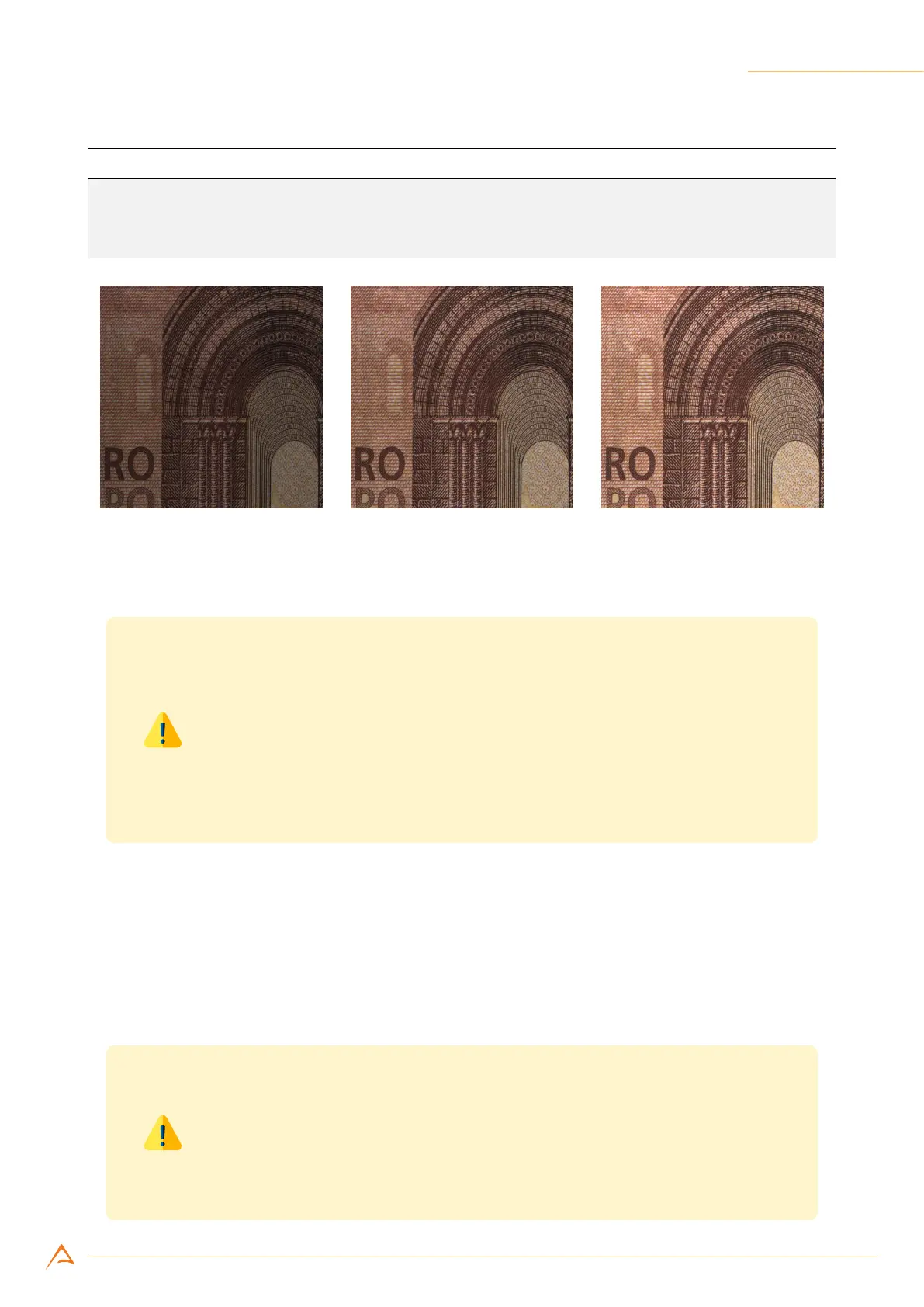
(a) Digital Gain 700 (b) Digital Gain 1024 (neutral) (c) Digital Gain 1300
Figure 8.19: Example of Digital Gain control effect.
Warning
By its very nature, the digital amplication may generate missing codes; it may
happen that the combination of the ADC resolution and the Digital gain make
some brightness values less frequent (or even suppress them). If these arte-
facts adversely affect the acquisition, they can be reduced by selecting the
maximum ADC resolution compatible with the speed requirements of the ap-
plication.
8.10.13 User LUTs
NECTA can apply a conversion table (look-up table, or LUT) to the incoming image data to change col-
or/brightness distribution. The API functions allow to store up to four LUTs into the camera non-volatile
memory; viewer and application examples show in detail how to use User LUTs and experience the ad-
vantages.
Warning
User LUT and gamma correction share the same processing chain resources
and cannot be used simultaneously. At power-on, NECTA uses Gamma =
1.00 (neutral correction); disabling gamma correction will automatically en-
able user LUT.



 To Next Page