3. Hardware Description 40
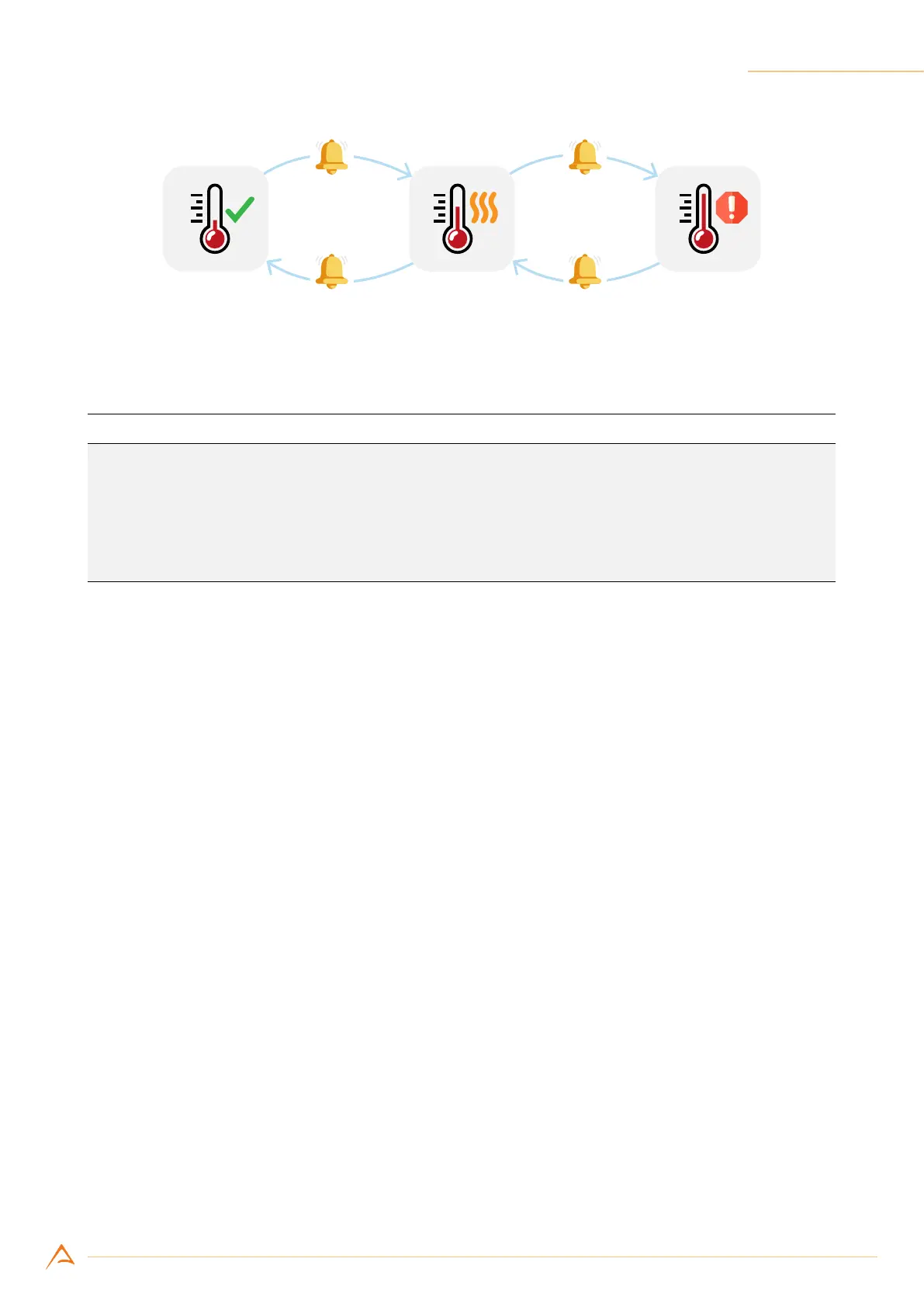
Figure 3.11: Temperature status transition
Example Code 3.2 | Temperature Change Event
device.OverTemperatureStatusChanged += delegate(object o, EventArgs a)
{
String msg = String.Format("Status: {0}", device.OverTemperatureStatus);
MessageBox.Show(msg);
};
device.OverTemperatureMonitorEnable = true;
3.6.7 EMI/ESD precautions: noise and electrostatic discharge
NECTA cameras are typically used in industrial environments, where many devices may generate elec-
tromagnetic interference and electrostatic discharge. Although NECTA cameras are designed to be ex-
tremely resistant to perturbations from the external environment, strong EMI and ESD transients may
cause unwanted behavior, such as false triggering and defects in an acquired image. Those issues can be
xed by adopting good practice in the harness and cable routing. To reduce EMI and ESD, it is therefore
essential to take some good general precautions when connecting the equipments:
• Install the camera as far as possible from high current loads such as motors or solenoids, especially
if powered by a switching power supply.
• Use cables with double shielding and keep them as short as possible. Keep the contact area always
clean and protected from dust.
• Separate power cables from signal cables. Avoid power cables running parallel to signal ones. This
recommendation applies both to camera cables and to any other cable used in the equipment.
• Pay attention to the ground connections: they must be implemented through a single reference
node, avoiding ground loops. Keeping your system powered from a single outlet will greatly re-
duce ground loop related problems.
• Install the camera far away from devices generating sparks or strong electromagnetic elds, such
as, for example, large transformers, welding machines and electric motors.



 To Next Page