1. Getting started 9
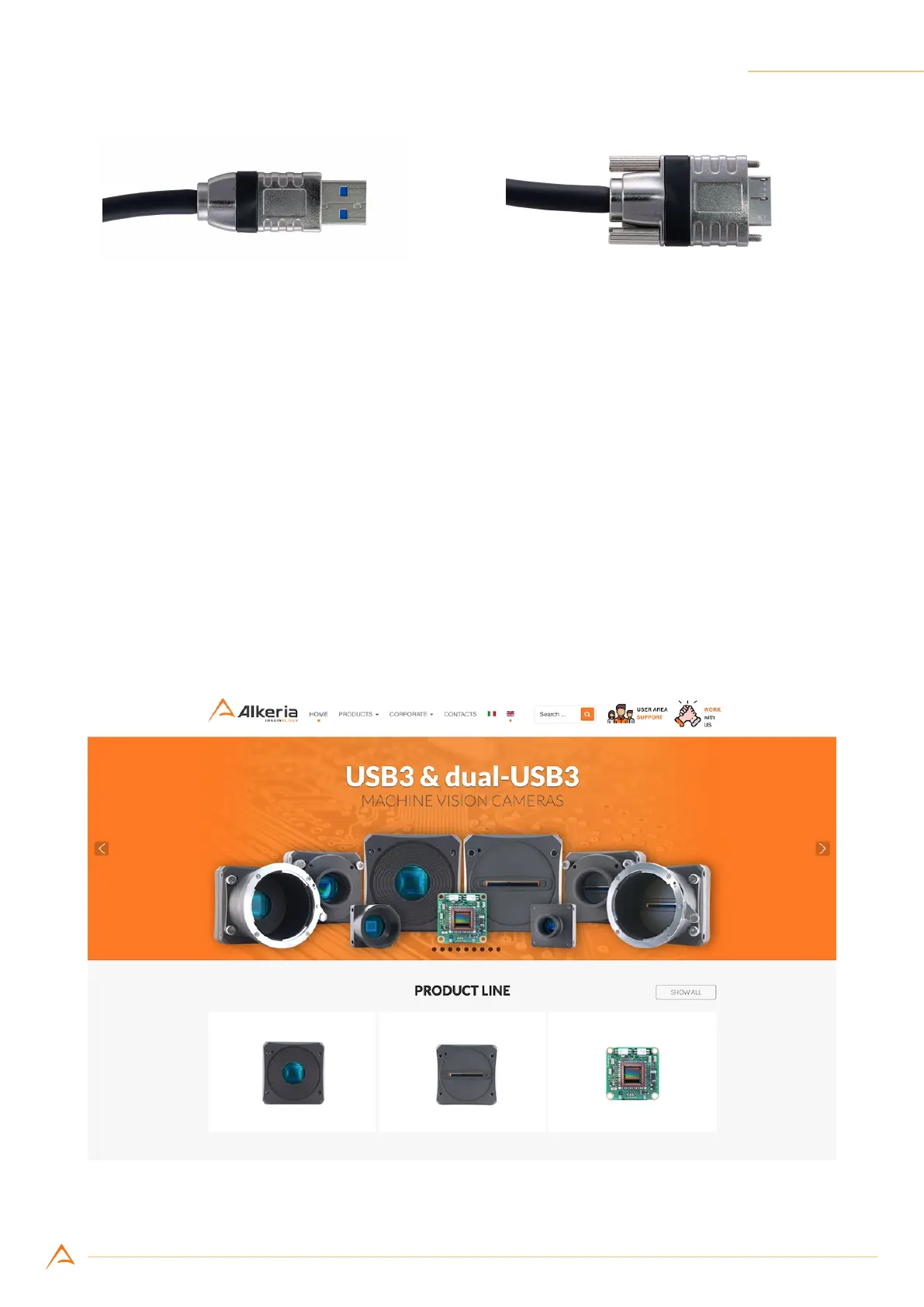
(a) (b)
Figure 1.2: Required USB cable is type-A on the PC side (a) and micro-B on the camera side (b).
1.2 SOFTWARE DOWNLOAD
After camera purchasing, our Sales Department will provide you with access to our website’s User Area.
In there you can nd everything you need to set and use the camera: manuals, guides, tutorials, software
and rmware updates. Users Area accounts are personal, and can only be created by Alkeria’s Sales
Dept.
Once your account has been activated, you will receive an email to reset your account password: click
on the link to set your password. Please store your login credentials in a secure place.
To download the software, follow these steps:
Step 1: Go to our website www.alkeria.com (Figure 1.3)
Figure 1.3: Alkeria website



 To Next Page