1. Getting started 10
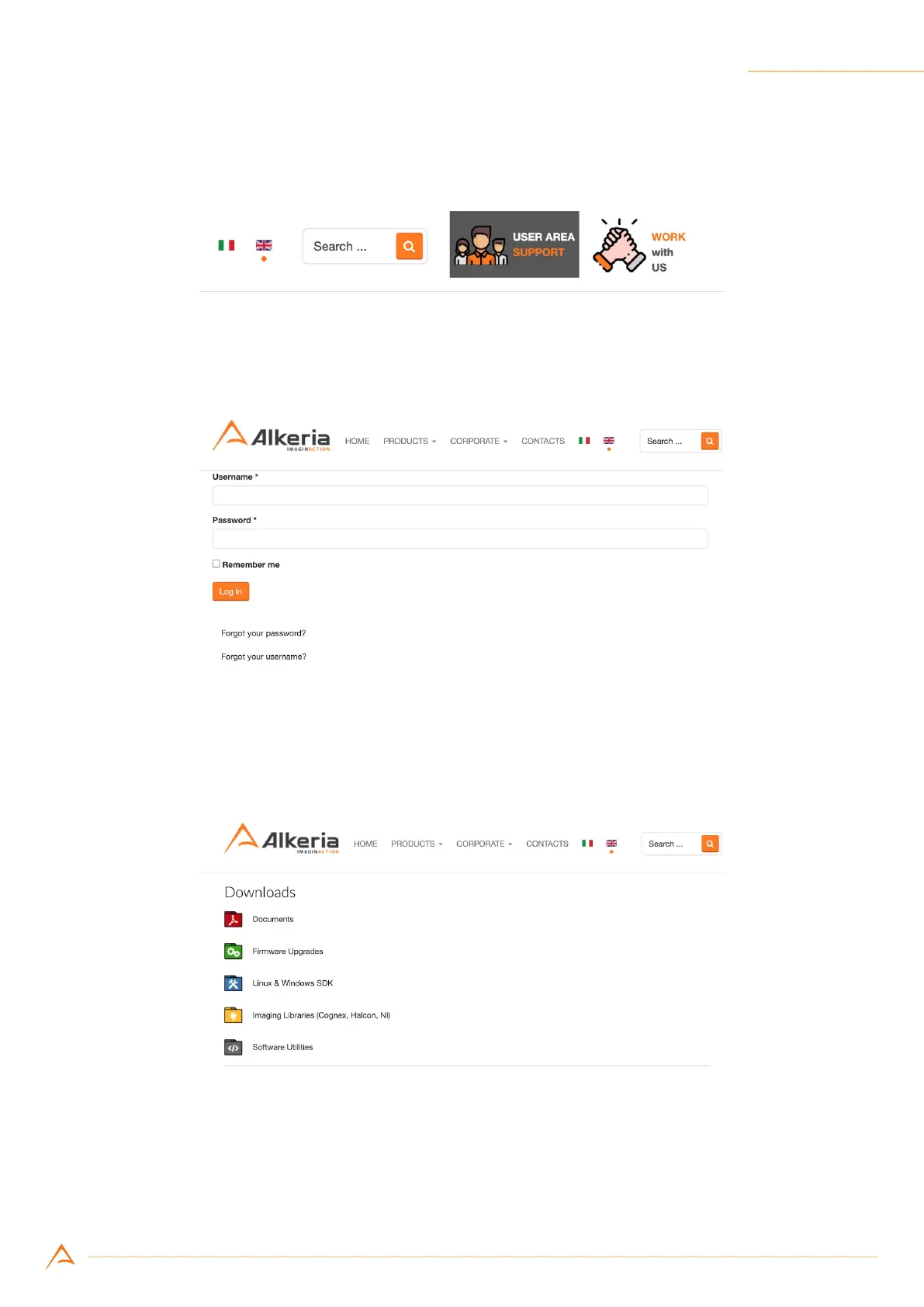
Step 2: Click on “User Area - Support” top-right button (Figure 1.4)
Figure 1.4: User Area button
Step 3: Once redirected to login form, insert your username and password and click “Log in” (Figure 1.5)
Figure 1.5: User Area log in form
Step 4: On “Downloads” root folder, you can nd many le categories, each containing various les
(Figure 1.6)
Figure 1.6: User Area root folder



 To Next Page