1. Getting started 11
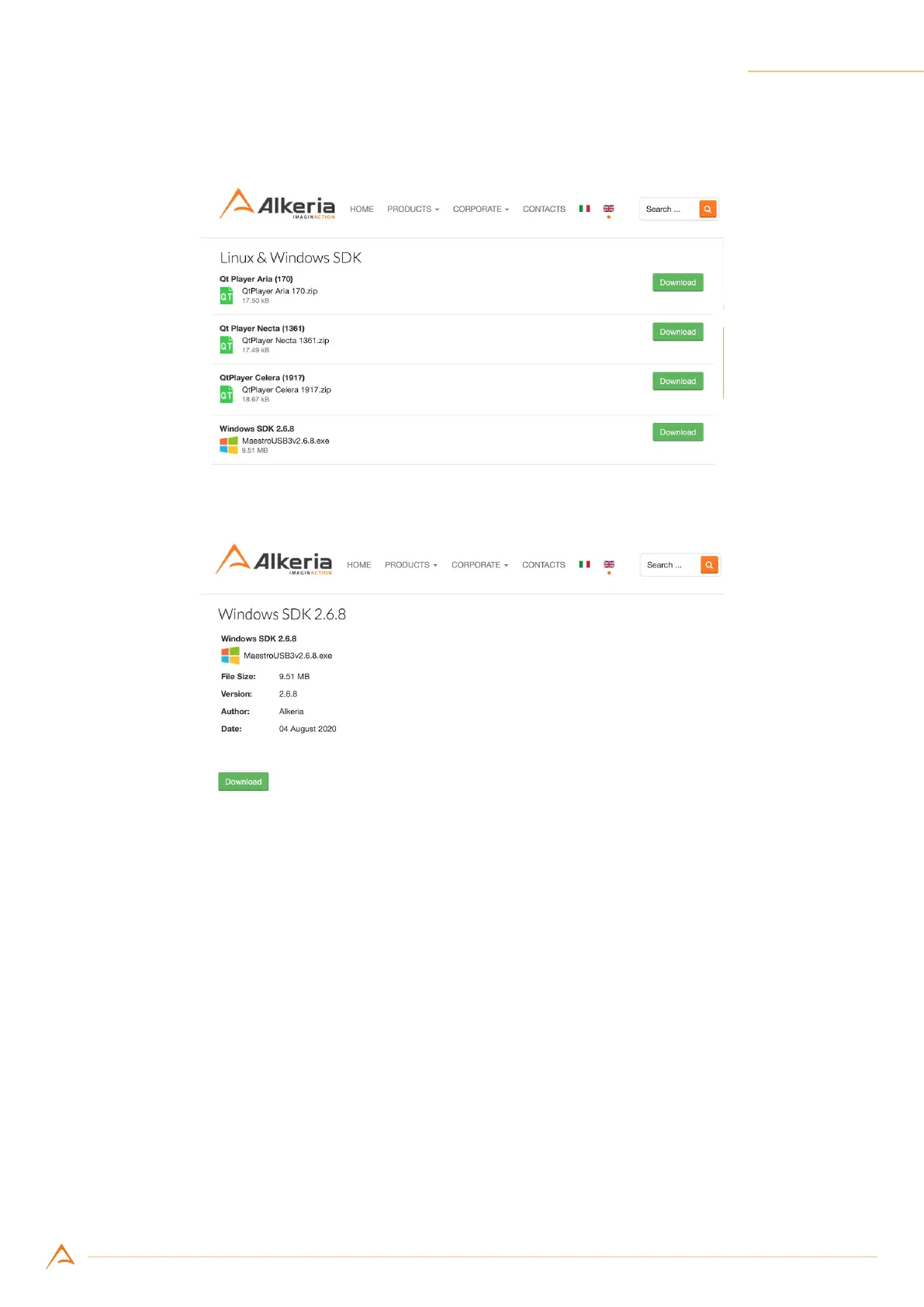
Step 5: Click on “Download” to download a le (g. 1.7)
Figure 1.7: Example of le listing inside Linux & Windows SDK category
Figure 1.8: Example of single le view
Step 6: Click on the “Logout” orange button to end yoursession(Figure1.8), then install the downloaded
executable as administrator.



 To Next Page