9. Alkeria player 123
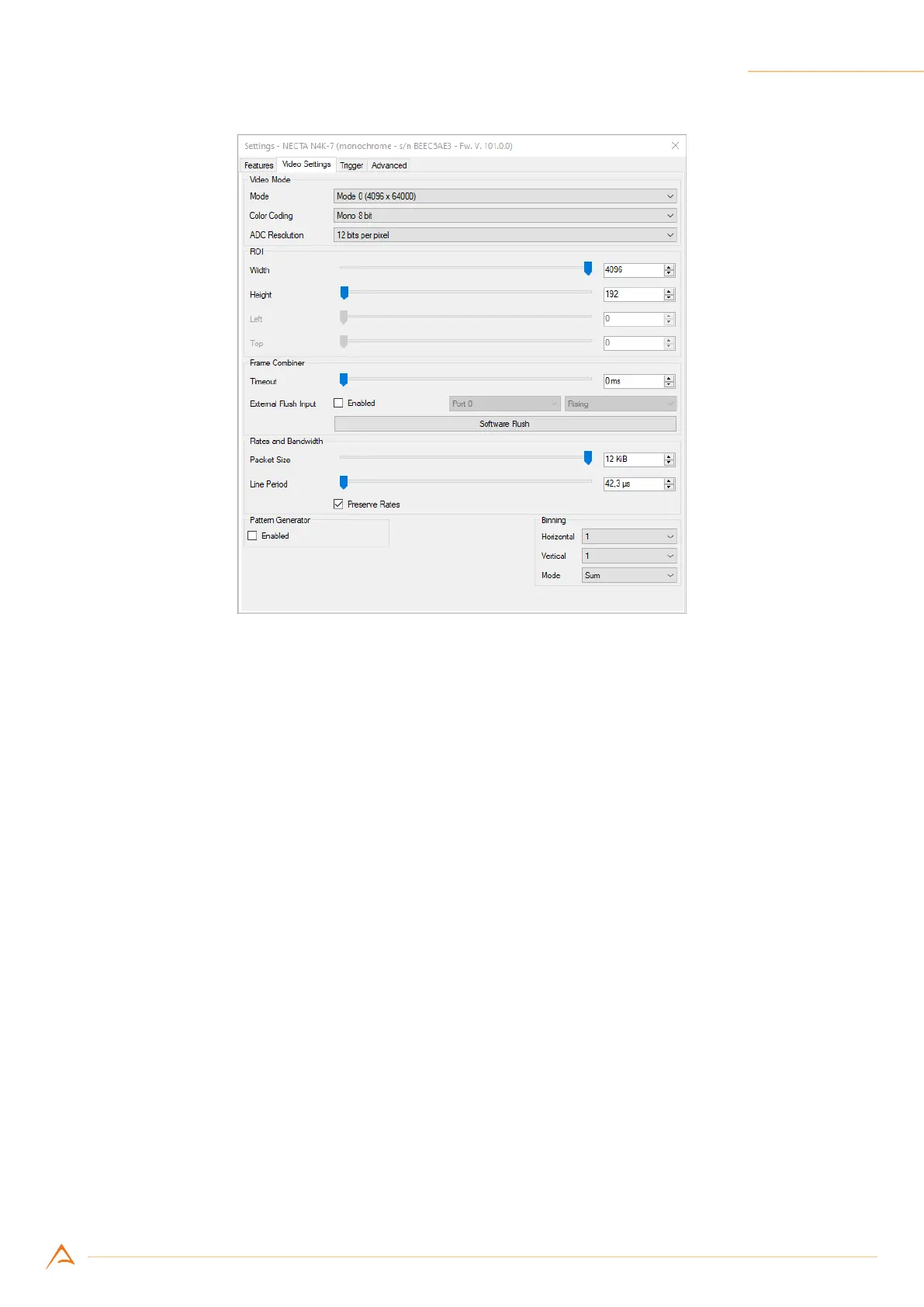
Figure 9.3: Video settings tab
9.3.3 Trigger
The Trigger panel (Figure 9.4) allows to setup the Trigger Manager module. Various events can be trig-
gered, either via software or external sources (I/O):
• Acquisition start;
• Frame start;
• Line start;
• End of exposure.
Ticking the check-boxes on the right of the panel enables the related trigger modules. Drop-down lists
can be used to select trigger source, delay and encoder step interval.
The bottom part of the panel contains other useful controls: Encoder (see Section 4.4.1) and PLL (Fre-
quency Multiplier, see Section 4.4.2) setup. TheFrame Burst bar controls how many frames are acquired
during a frame burst when the Acquisition Start Trigger is enabled (see Section 6.1).



 To Next Page