1. Getting started 15
1.4.3 How to get a good image
The camera is not yet able to provide a perfect image. A step of calibration is needed to cancel out all the
differences between the individual pixels on the sensor, such as black level and individual pixel’s gain.
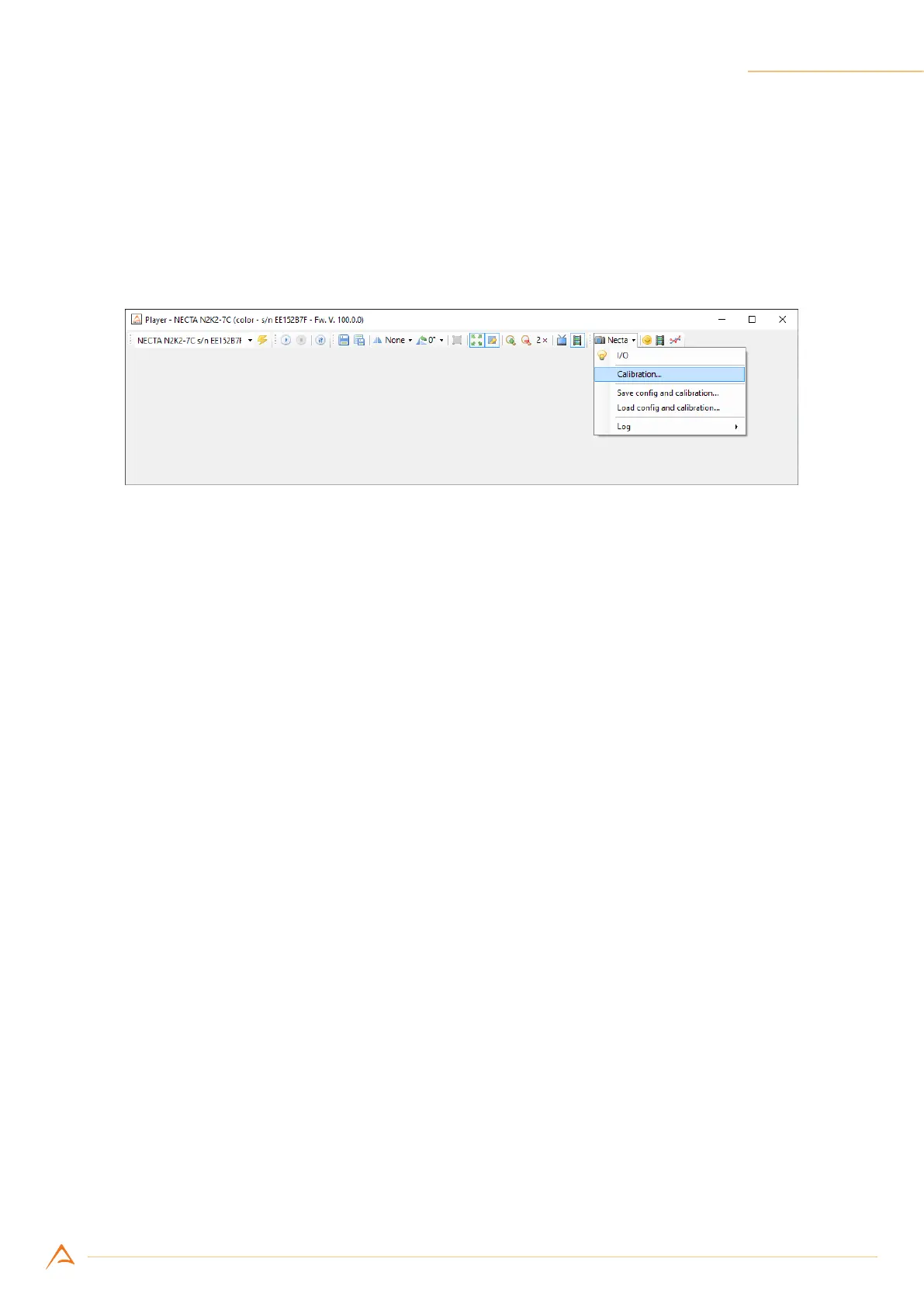
To calibrate the camera press NECTA on the toolbar and then click on Calibration to open the wizard.
If you want to learn more about calibration, check out tutorials and guides on your website’s User Area.
Figure 1.10: Alkeria player Calibration Wizard



 To Next Page