1. Getting started 14
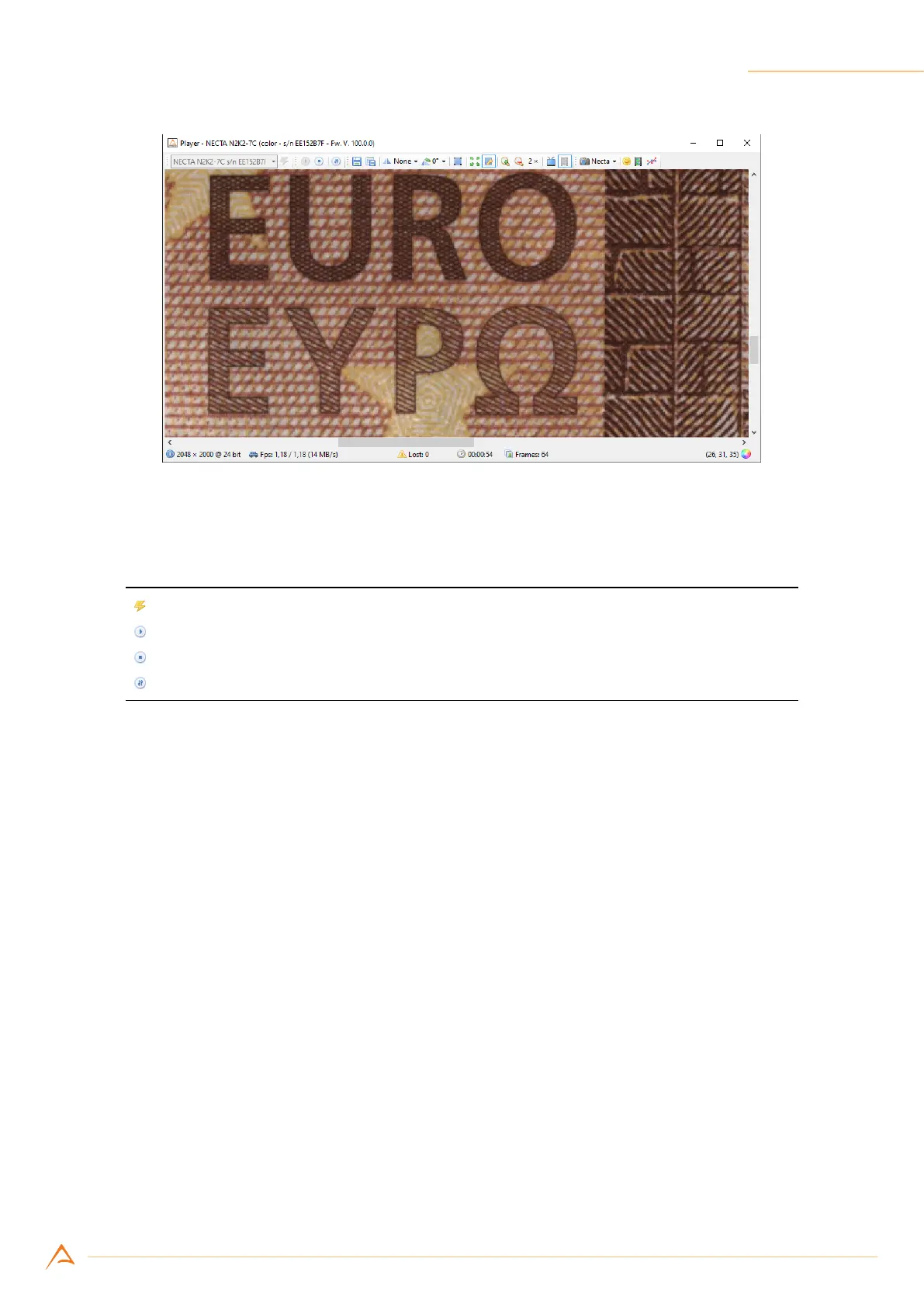
Figure 1.9: Alkeria player main window
A subset of the toolbar controls is shown in Table 1.1.
Init Initialize the camera to default settings (camera power-up status).
Play Start image playback.
Stop Stop image playback.
Settings Open the settings panel.
Table 1.1: Relevant Alkeria player buttons
Press “Play” button to start the acquisition of images from the camera. At the bottom of the player win-
dow a status bar displays the following data:
• The image resolution and the pixel depth;
• The frame rate;
• A frame lost counter, which indicates whether some frames have been corrupted during transfer
and have been discarded;
• A timer counter indicating the acquisition time;
• A frame counter;
Pressing the “Settings” button, you will have access to the main camera acquisition parameters such as
Shutter and Gain. Move them while NECTA is acquiring images to familiarize with the controls.
To get more information about player functionalities, please refer to Chapter 9.



 To Next Page