9. Alkeria player 120
9
Alkeria player
MaestroUSB3 comes with a user-friendly software application, allowing to explore the main features of
NECTA cameras and check the correct camera and software installation. Once installed MaestroUSB3
SDK, you can nd the application at the following path:
Program Files\Alkeria\USB3\MaestroUSB3\Players
Alternatively, you can easily start the camera viewer by accessing the Windows Start button and look
for Alkeria player from the MaestroUSB3 Program folder:
Start->All programs->Alkeria->USB3->MaestroUSB3.
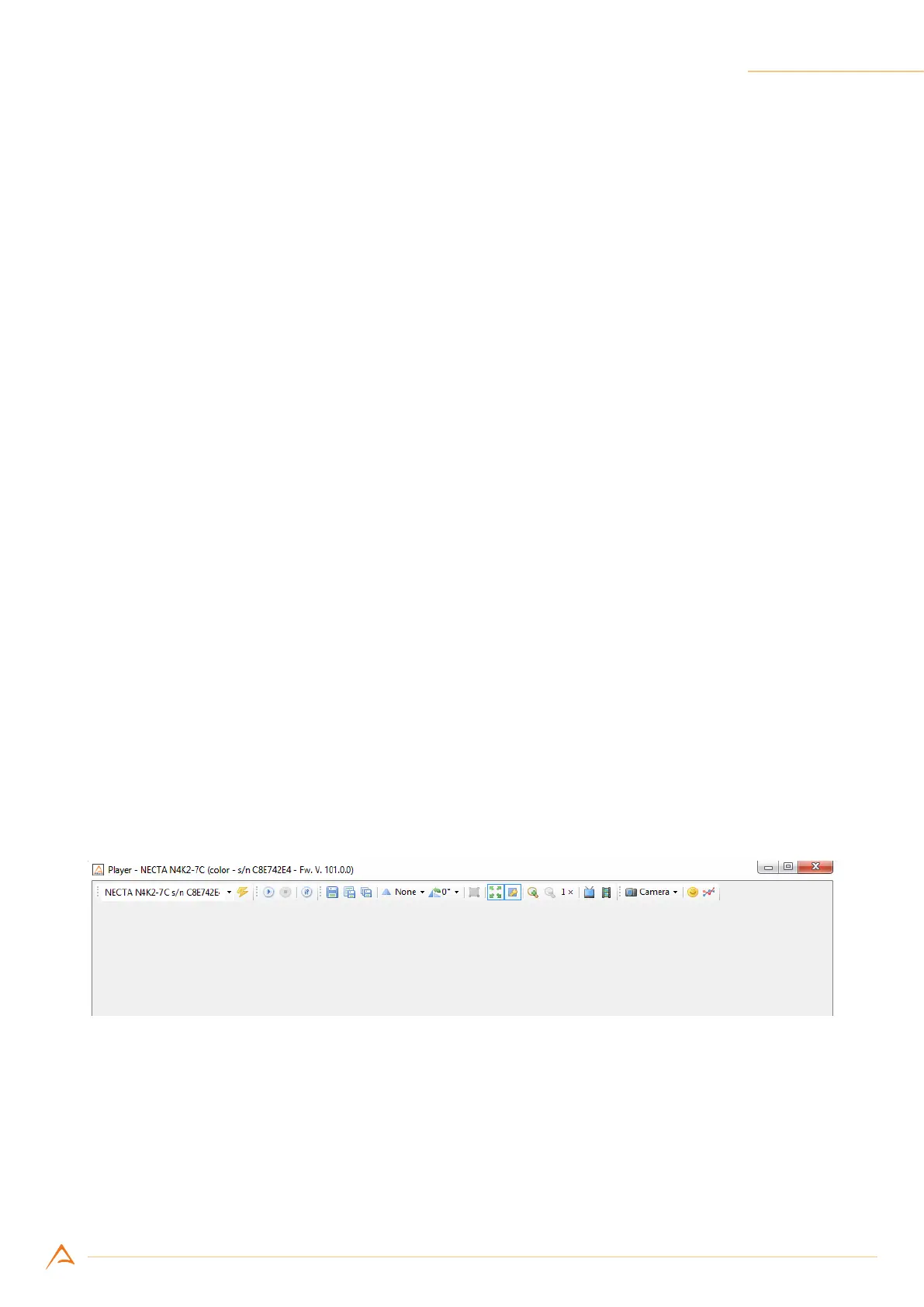
Figure 9.1: Alkeria player main window
9.1 DEVICE CONNECTION AND INITIALIZATION
The top left toolbar is a drop-down menu letting you select a specic NECTA camera among the ones
connected to the system. When no NECTA camera is connected, the drop-down menu and the toolbar
are grayed out.



 To Next Page