8. Capturing Images 111
Note
In user application a good approach is setting Gamma value when the camera
is not acquiring, since during the Gamma loading operation NECTA could ig-
nore external triggers and/or lose frames.
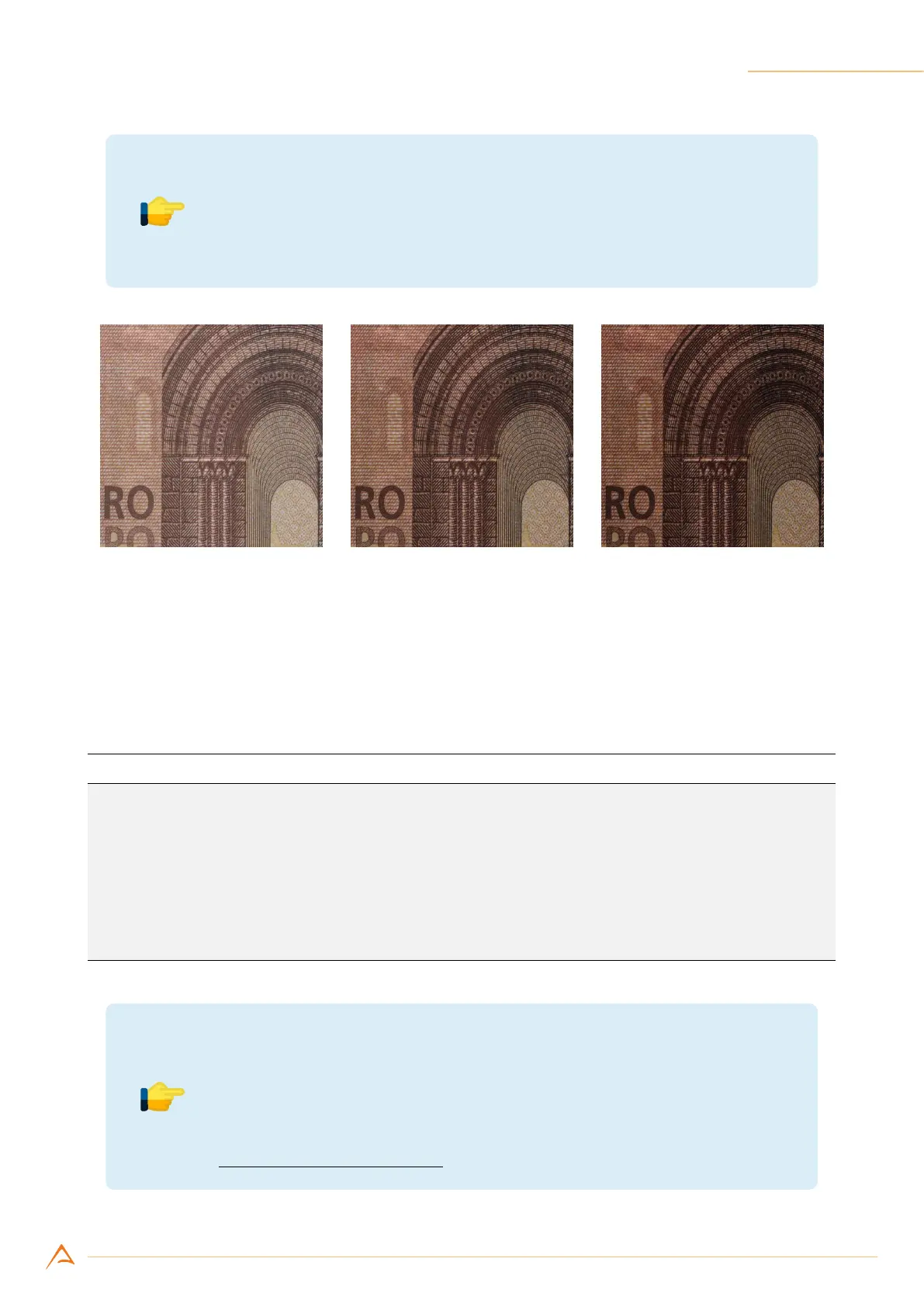
(a) Gamma 0.7 (b) Gamma 1 (neutral) (c) Gamma 1.3
Figure 8.16: Example of Gamma control effect.
8.10.8 Shutter
The Shutter control adjusts the exposure time of the lines acquired by the camera (with 100 ns reso-
lution). The following example sets the duration of the exposure time to 100 µs:
Example Code 8.23 | Set Exposure time with unit factor
// Retrieve ShutterUnit
UnitInfo unit = device.GetFeatureUnitInfo(Feature.Shutter);
// Convert exposure time in shutter units
uint reqShutter = (uint)(100e-6 / unit.Factor);
// Request minimum achievable exposure time in shutter units
uint minShutter = device.GetFeatureMin(Feature.Shutter);
// Set the greatest between requested exposure time and minimum shutter
device.Shutter = Math.Max(minShutter, reqShutter);
Note
Setting an exposure time longer than the current line period decreases the
actual line rate. Consequently, current line period becomes slightly larger
a
than the exposure time.
a
The line period will be equal to the currently selected exposure time increased by 2.1 µs.



 To Next Page