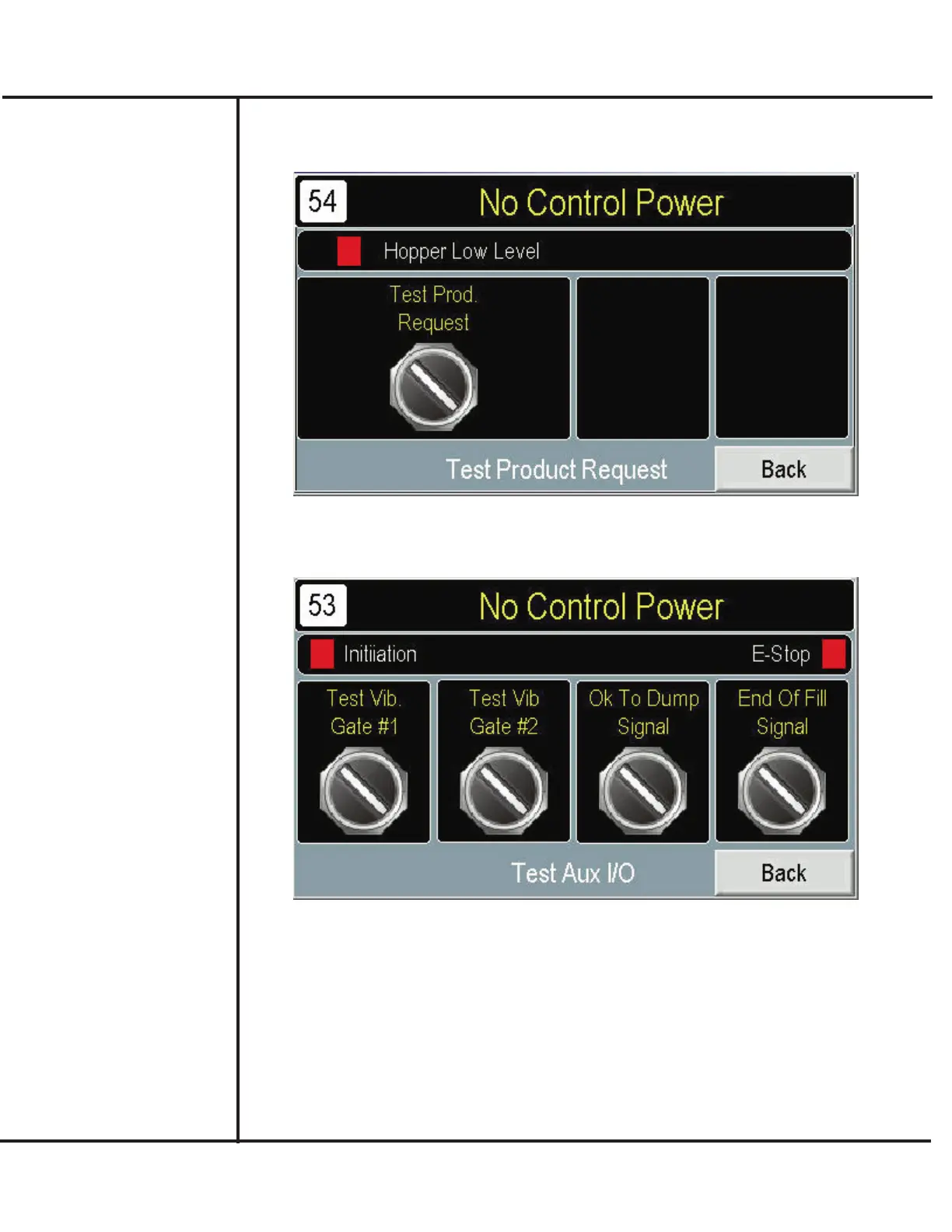
4. Press BACK and TEST PRODUCT REQUEST to verify operation of the Level
Control and operation with (external) product re-supply equipment.
Model VF110-E Touch Screen Control Panel Users Manual
9
AFI Publication 1910817 ● Issue: 1 ● August 2017
5. Press BACK and TEST AUX I/O to allow inputs and outputs of the control panel to
be displayed and operated.
6. When done, press MAIN to return to Main screen.



 To Next Page