Emergency Stop
Pressing the Emergency Stop switch will stop the machine immediately. All power will be
shut down.
!!! IMPORTANT !!!
Only use the Emergency Stop switch in the event of an actual emergency, or when
shutting the system down. Use the STOP selection on the Main screen to stop the
equipment under normal circumstances.
Touch Screen Panel
A custom-programmed panel that provides menus, selections, settings, and controls used to
test, adjust, and operate the feeder.
All major machine setup, production, and testing are performed using the Touch Screen
panel on the Machine Control Panel. This screen provides simple, direct selection of all
operations, control settings, and production data display. This section provides a description
of the different screens and selections available, as well as a sample exercise to practice
using the controls.
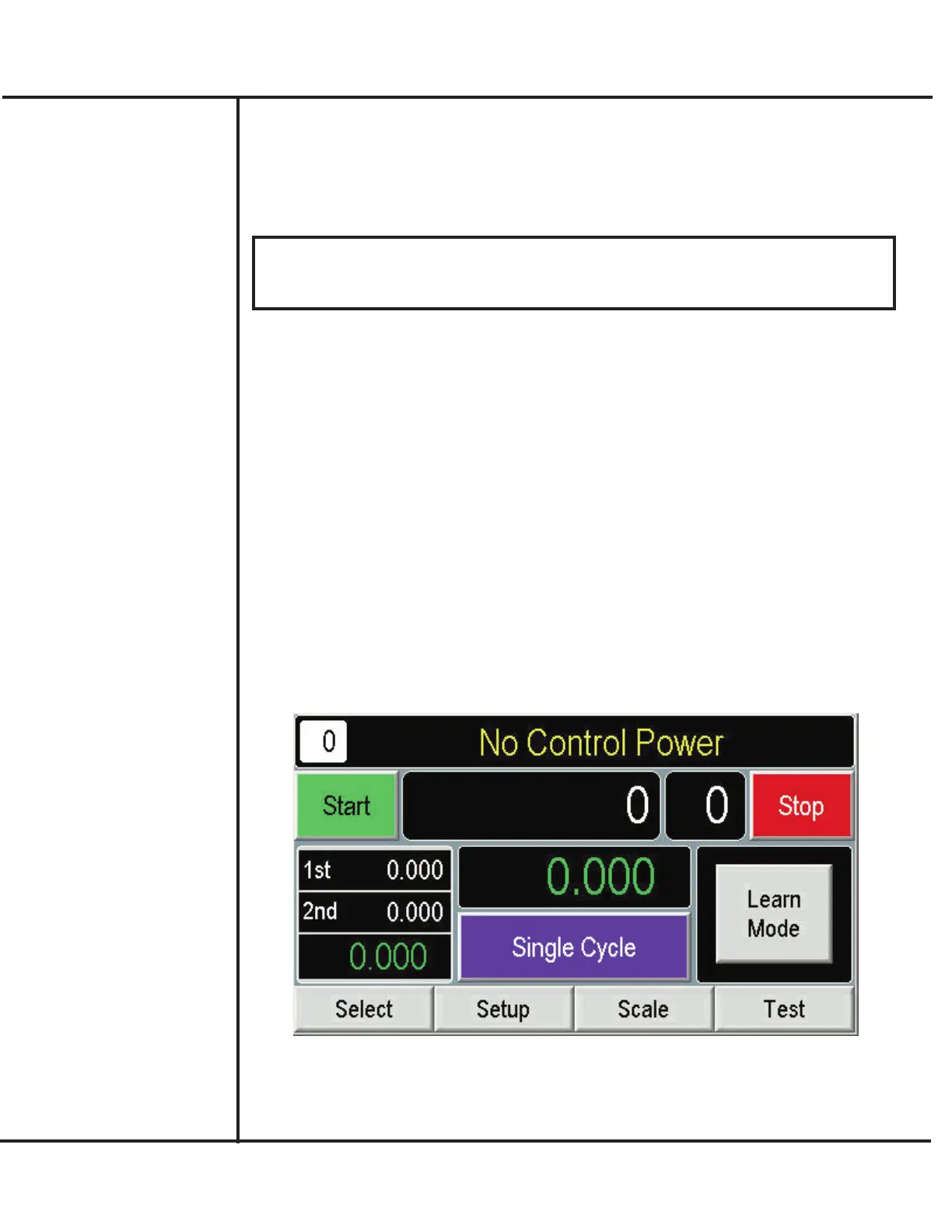
Main Screen
The Main screen provides a summary of production data, selections to control the machine,
and access additional menus. The Main screen appears automatically upon start-up.
Descriptions of the items appearing on this screen are provided in the following.
Model VF110-E Touch Screen Control Panel Users Manual
2
AFI Publication 1910817 ● Issue: 1 ● August 2017
Touch Screen
Operation



 To Next Page