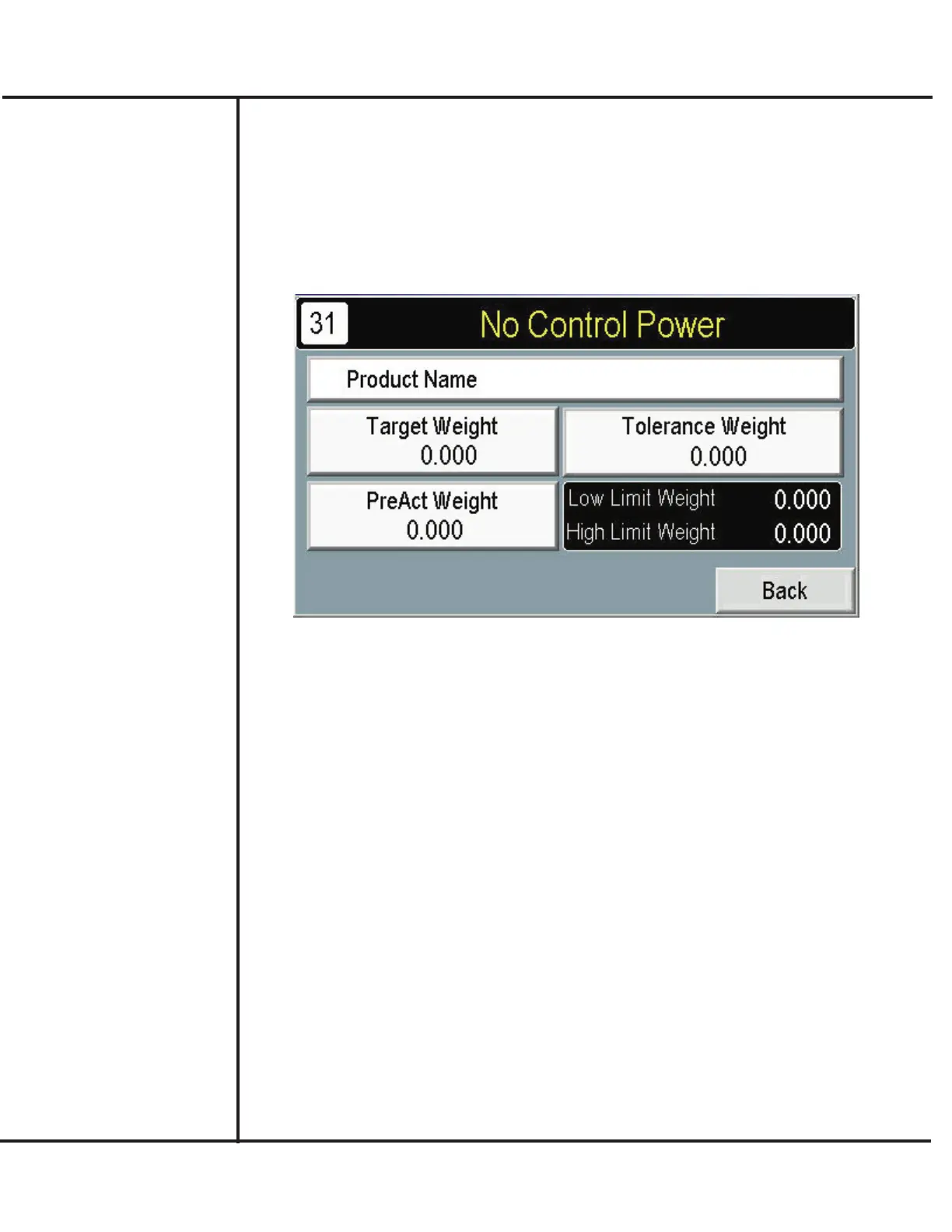
Setting Up a Target Filling Weight
After selecting the desired recipe number, proceed to the following to setup how much prod-
uct is dispensed and the acceptable weight range of filled containers.
1. Press SETUP from the MAIN screen.
2. Press SETUP TARGET WEIGHT.
Model VF110-E Touch Screen Control Panel Users Manual
11
AFI Publication 1910817 ● Issue: 1 ● August 2017
3. Press TARGET WEIGHT to specify the final, filled weight of product in the container.
4. Press PREACT WEIGHT.sto include the amount of product in transit after vibration
stops. A method to determine preact settings is to initially set it to zero, perform a few
trial fills, then measure the amount of product in excess of target. Use this resulting
amount as a preact weight setting.
5. Press TOLERANCE WEIGHT to specify the amount over and under the selected
Target Weight that can be considered acceptable. For convenience, the controls calcu-
late the high and low limits of the target and tolerance settings. This range appears on
the screen below the Tolerance Weight selection.



 To Next Page