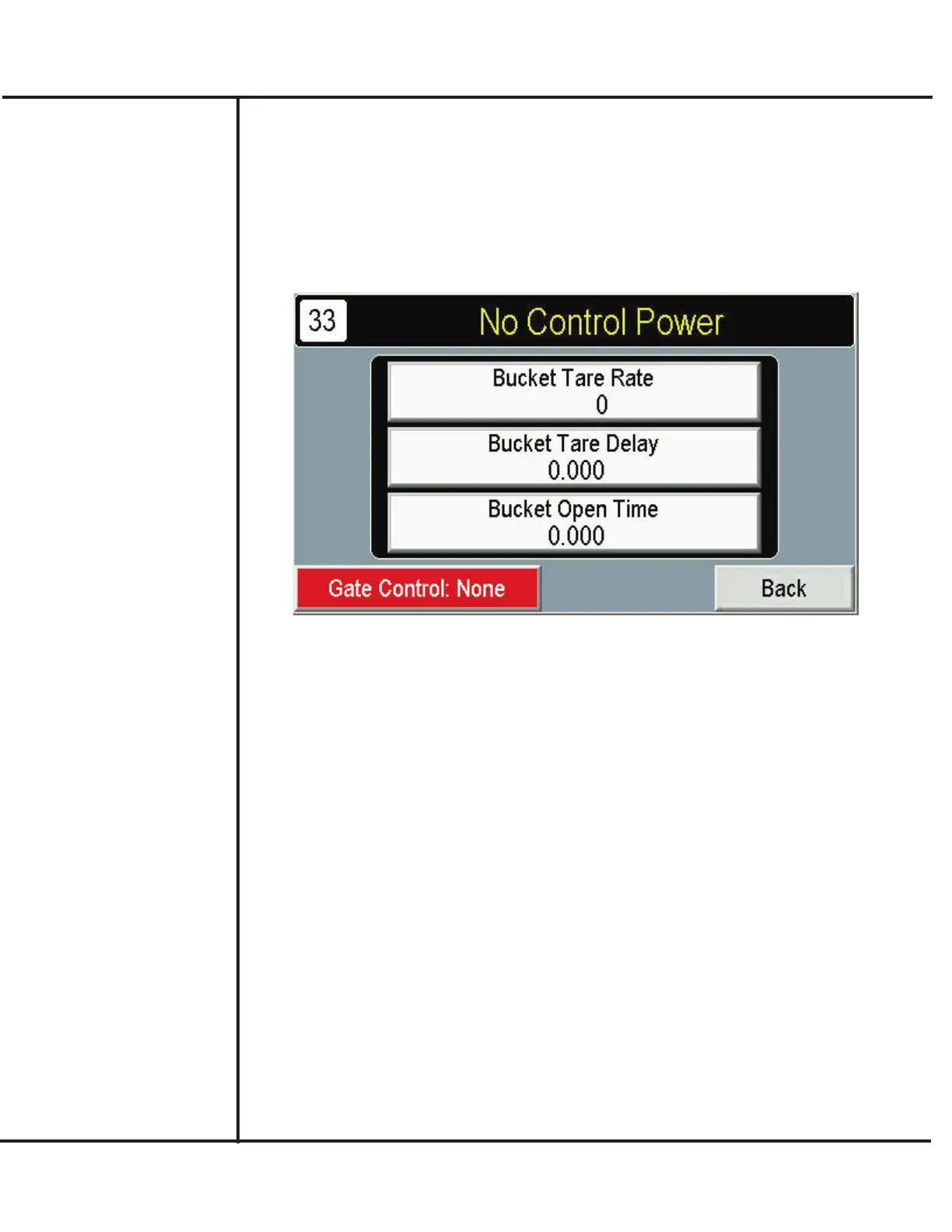
Setting up Weigh Bucket
The Setup Weigh Bucket screen provides access to selections that define operation of the
weigh bucket components. Use the following for your setup recipe.
1. If necessary, press SETUP from the MAIN screen.
2. Press SETUP BUCKET.
Model VF110-E Touch Screen Control Panel Users Manual
14
AFI Publication 1910817 ● Issue: 1 ● August 2017
3. Press BUCKET TARE RATE to select how often the scale attached to the Weigh
Bucket is re-zeroed to account for build-up of product, debris, etc. Higher entries may
result in longer weighing times and slower production rates. Lower entries may not yield
desired accuracy levels.
4. The BUCKET TARE DELAY provides a delay before the scale is re-zeroed.
5. The BUCKET OPEN TIME determines how long the bucket stays open to allow
product to drop into the funnel. When this period elapses, the bucket closes.
6. Press GATE CONTROL to setup operation of a product gate control that is actuated
to inhibit product flow during filling. The following types of control can be selected:
None – Gate does not operate.
With Fill – Gate closes during filling to inhibit product flow to achieve greater accuracy.
Dribble Fill – Gate closes during dribble stage to inhibit product flow to achieve greater
accuracy.



 To Next Page