IS-200A
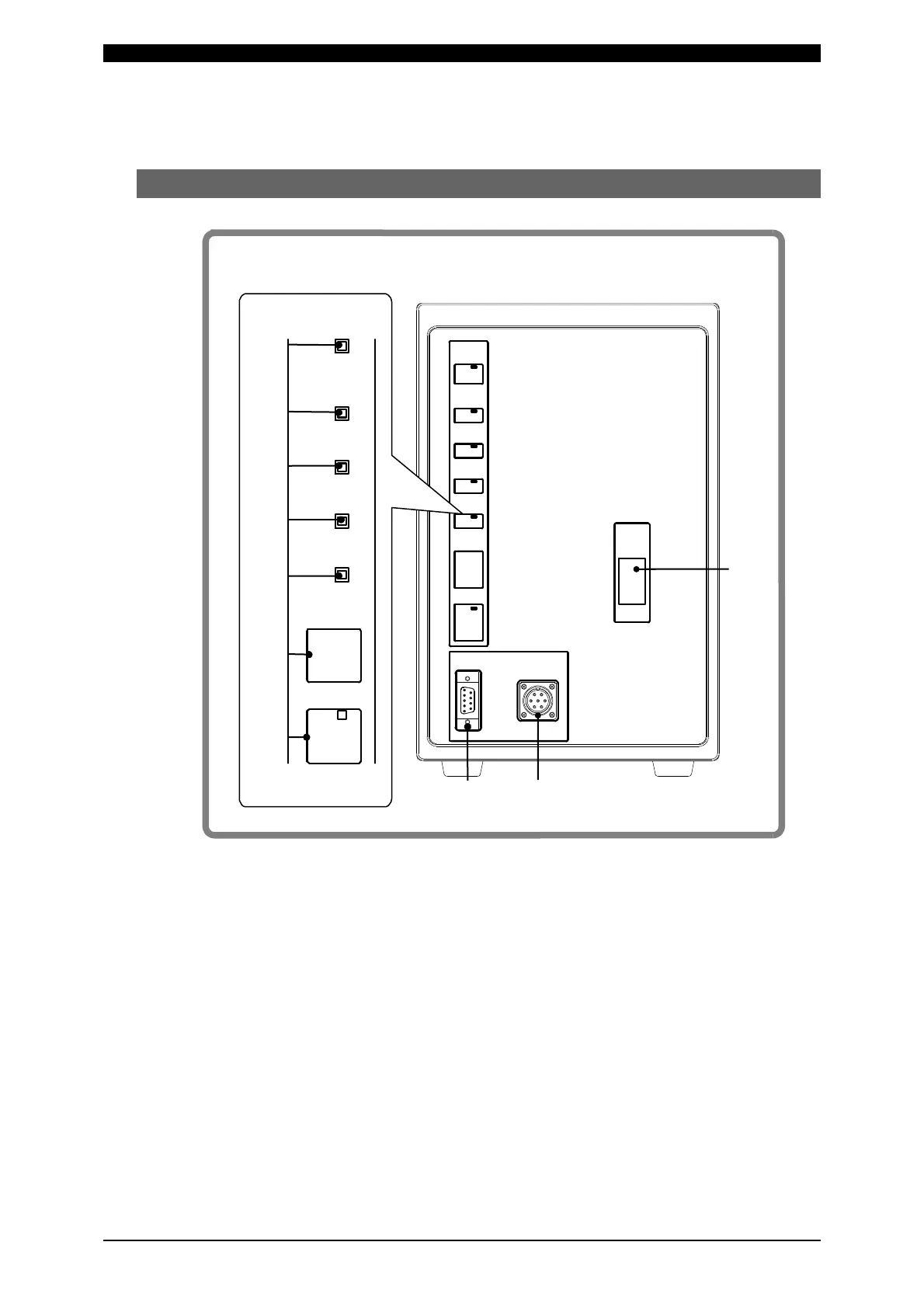
3. Name and Functions of Each Section
3-1
3. Name and Functions of Each Section
(1) Front Panel
1) [WELD POWER] lamp (Green LED)
This lamp lights when the power is supplied to the Power Supply.
2) [READY] lamp (Green LED)
This lamp lights when the system is ready to start welding.
To turn on this lamp, writing data into the flash memory is complete and:
・[WELD ON/OFF] key
・WELD ON/OFF setting for program unit MA-627A and
・External WELD ON/OFF signal
must all be on.
POWER
ON
OFF
RESET
TROUBLE
WELD
POWER
WELD
ON/OFF
READY
START
WELD
TROUBLE
INDICATOR
PROGRAM
MONITOR
I/O
RS-232C/485
10)
9)
8)
1)
2)
3)
4)
5)
6)
7)
ON/O F F
WE LD
START
POW ER
READ Y
WE LD
WE LD
TROUB LE
TROUB LE
RESE T



 To Next Page