IS-200A
4. How to Operate Screens
4-1
4. How to Operate Screens
(1) MENU Screen
The MA-627A has various functions that are set from the respective screens. The
[MENU] screen displays these functions in menu form.
Move the cursor (>) to the desired item; press the [ENTER] key to move to the
selected screen (with the exception of the MODE SELECT screen).
The display of the [MENU] screen changes depending on the PROGRAM
PROTECT setting (See (12) PROGRAM PROTECT MODE Screen).
The numbers (1) to (11) indicate the paragraph No. within the chapter.
(1)
(2)
(3)
(4)
(5)
[MENU]
>POWER SUPPLY STATE COPY SETUP DATA
SCHEDULE MODE SELECT
MONITOR MONITOR MODE
MONITOR SET STEPPER COUNT
I/O CHECK
RESET TO DEFAULT
(6)
(7)
(8)
(9)
(10)
(11)
(2) POWER SUPPLY STATE Screen
This screen is used to display and set data for the Power Supply.
-POWER SUPPLY STATE
LCD CONTRAST(T:0 ---> 7:D) 2
CONTROL # 01
PROGRAMMED DATE 2000.01.01
WELD TRANS FREQUENCY
POWER SOURCE FREQUENCY
MA-627A ROM VERSION # [
]
IS -200A ROM VERSION # [
]
(a)
(b)
(c)
(d)
(e)
(f)
(g)
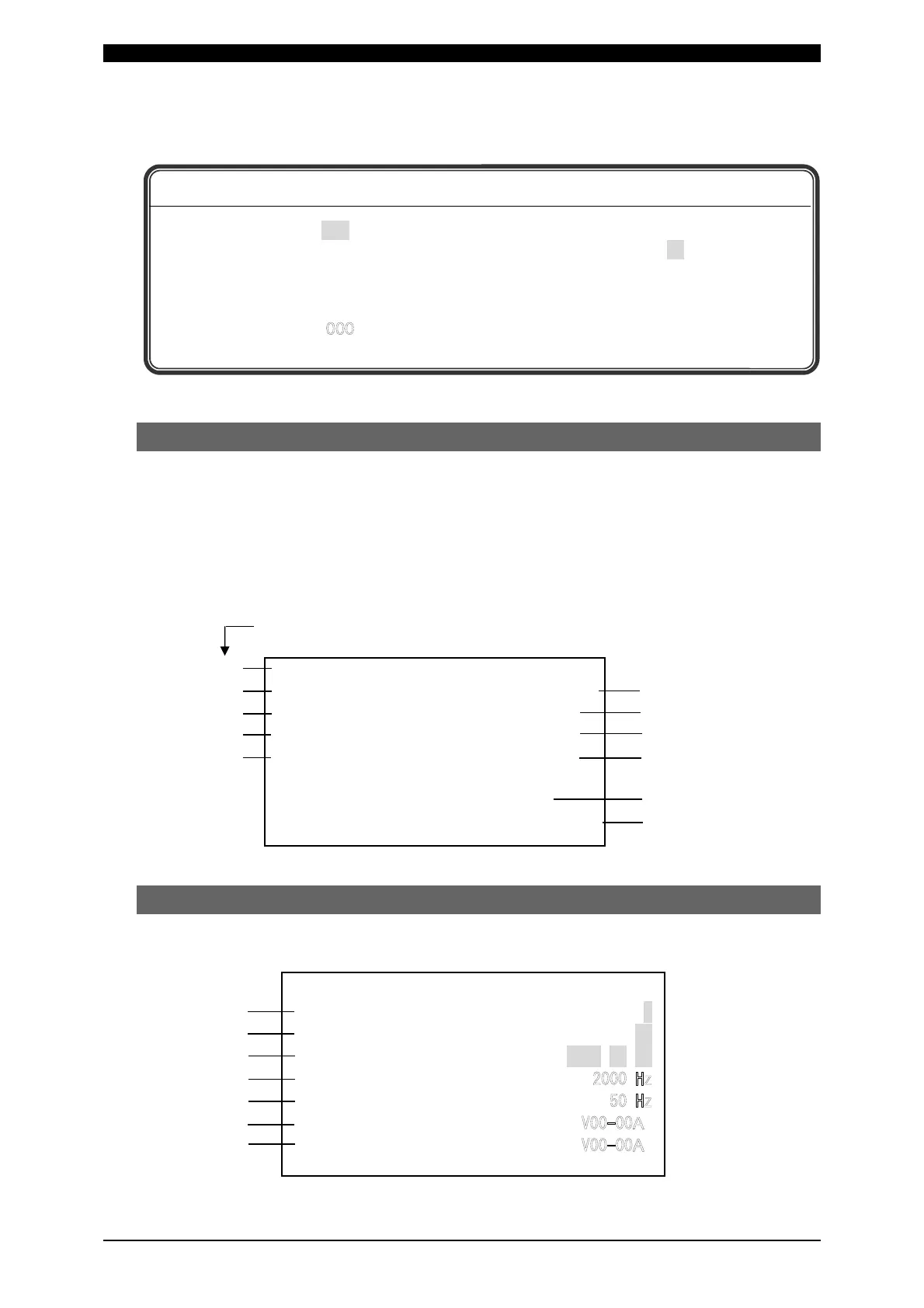
Appearance of characters used in the following explanation
Shaded characters (000) An item for which a value must be input, or which must
be set ON or OFF. Move the cursor ( ) to the number
(or to ON or OFF) to be selected or changed, and
press the [+ON/-OFF] key.
Outlined characters (
) An item that is indicated on-screen but that cannot be
changed.



 To Next Page