IS-200A
4. How to Operate Screens
4-13
(6) COPY SETUP DATA Screen
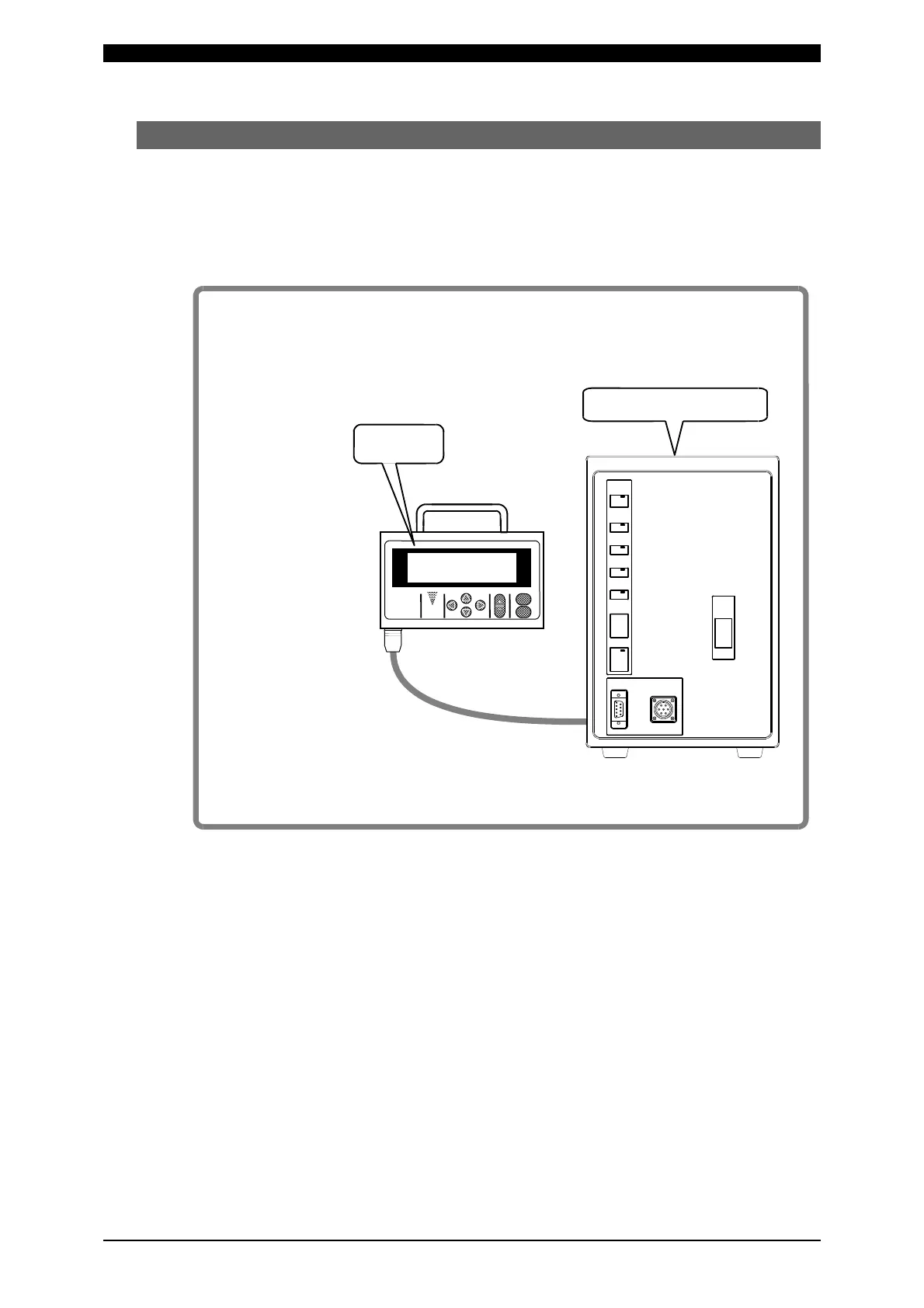
The MA-627A can store data. (Refer to the figure shown below.)
When the MA-627A is connected to the Power Supply, the data stored in the
Power Supply memory is displayed on the Monitor Panel.
When the data is changed and the [ENTER] key is pressed, the contents of the
memory of the Power Supply are overwritten by the new setting.
When two or more the Power Supply units are used and the contents of the
memory of the first unit need to be copied to the second unit, copy the data from
the first unit to the memory of MA-627A temporarily, then copy this data to the
second unit.
M
- 6 2 7
Data are not stored
only be changing
data on screen.
Be sure to press
[Enter] key.
Memory
MA-627A stores data for one
IS-200A unit.
IS-200A
MEMORY
Screen
IS-200A stores data,
independently from
MA-627A.
POWER
ON
OFF
RESET
TROUBLE
WELD
POWER
WELD
ON/OFF
READY
START
WELD
TROUBLE
INDICATOR
PROGRAM
MONITOR
I/O
RS-232C/485



 To Next Page