IS-200A
4. How to Operate Screens
4-14
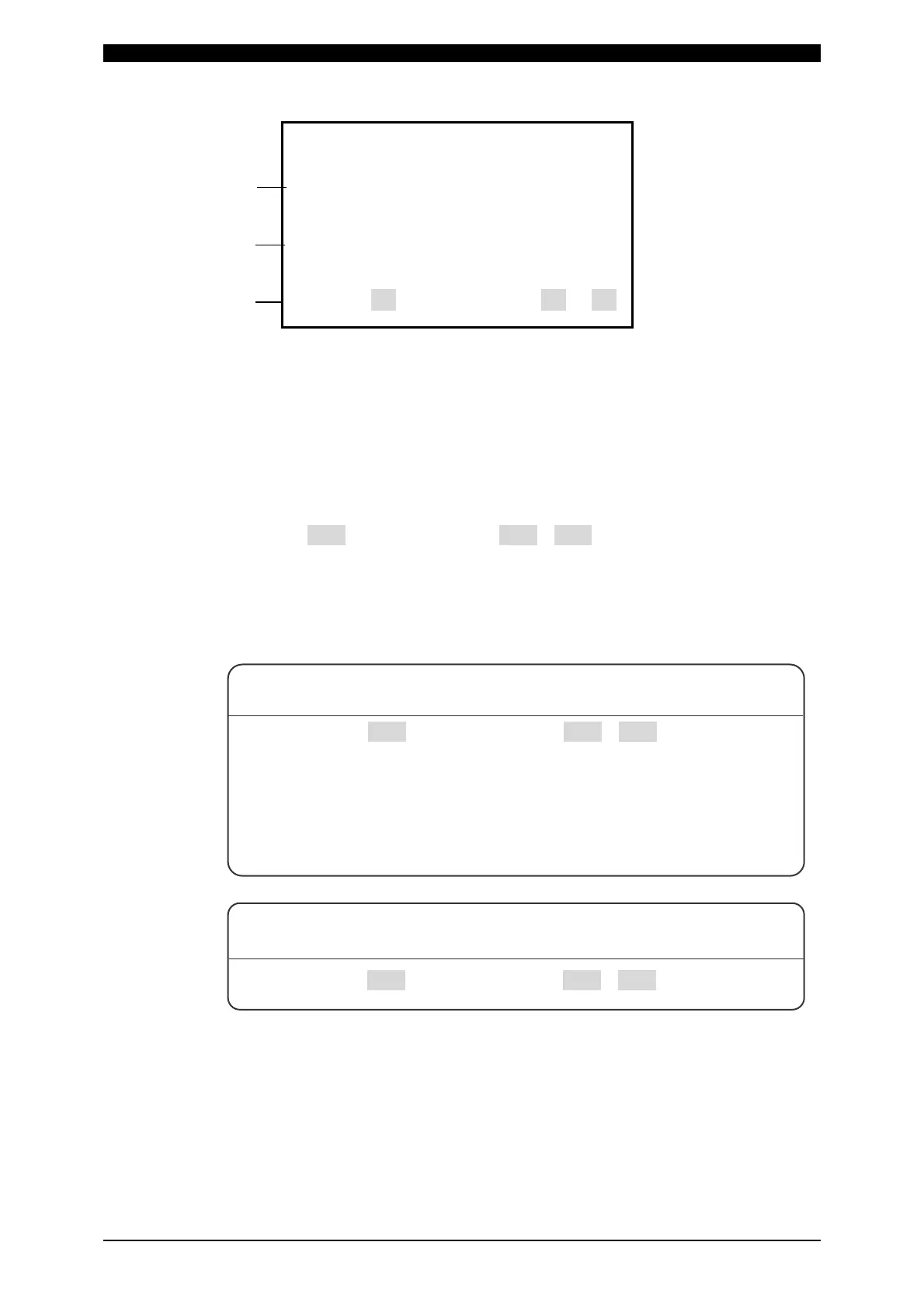
-COPY SETUP DATA
IS-200A -----> MA-627A
IS-200A <----- MA-627A
SCHEDULE [001] ---> SCHEDULE [001]-[255]
Move the cursor (>) to the required item among (a) to (c), then press the [ENTER]
key; the data will be copied.
(a) IS-200A -----> MA-627A
The data in IS-200A is copied to the memory of MA-627A.
(b) IS-200A <----- MA-627A
The data in the memory of MA-627A is copied to IS-200A.
(c) SCHEDULE[ 001 ] -----> SCHEDULE[ 001 ]-[ 255 ]
This function is used to copy the SCHEDULE (welding condition).
The Power Supply can set up to 255 schedules, indicated as SCHEDULE
#1–#255.
This function is also used to change from the SCHEDULE #1 setting, to perform
welding according to another schedule.
(a)
(b)
(c)
For example, SCHEDULE #2 can be set by switching from
SCHEDULE #1 as follows:
SCHEDULE [ 001 ] -----> SCHEDULE [ 002 ]-[ 002 ]
(Be sure to press the [ENTER] key before moving the cursor)
Move the cursor to the left of the letters of SCHEDULE and press the
[ENTER] key.
The data for SCHEDULE #1 is copied to SCHEDULE #2 through this
operation. Call up #2 on the SCHEDULE screen, and change the
values, if necessary.
SCHEDULE #1 can be copied immediately to SCHEDULE #2 via
SCHEDULE #4 through the following setting:
SCHEDULE [ 001 ] -----> SCHEDULE [ 002 ]-[ 004 ]



 To Next Page