IS-200A
4. How to Operate Screens
4-25
(c) NO CURRENT LEVEL
Set the current level for determining the absence of current as a no-current error.
The [TROUBLE] lamp will light up, and operation will stop if the monitored
current or voltage falls below the level set here. In the case of primary current
control, supplying current with the welding transformer’s secondary side open will
cause an excitation current to flow through the primary side. Set the current level
slightly higher than the monitored current. In the case of secondary
constant-voltage effective value control, a no-current error does not occur.
(Note) No judgment as to no-current error will be made if you select 00.0
kA. If the
toroidal coil is disconnected in secondary constant-power / secondary
constant-voltage effective value control, excessive current may flow.
(d) NO VOLTAGE LEVEL
Set the voltage level for determining the absence of voltage as a no-voltage error.
The [TROUBLE] lamp will light up, and operation will stop if the monitored
current or voltage falls below the level set here. In the case of the control other
than secondary constant-power effective value control and secondary
constant-voltage effective value control, a no-voltage error does not occur.
(Note) No judgment as to no-voltage error will be made if you select 0.00
V. If the
voltage detecting cable is disconnected in secondary constant-power /
secondary constant-voltage effective value control, excessive current may
flow.
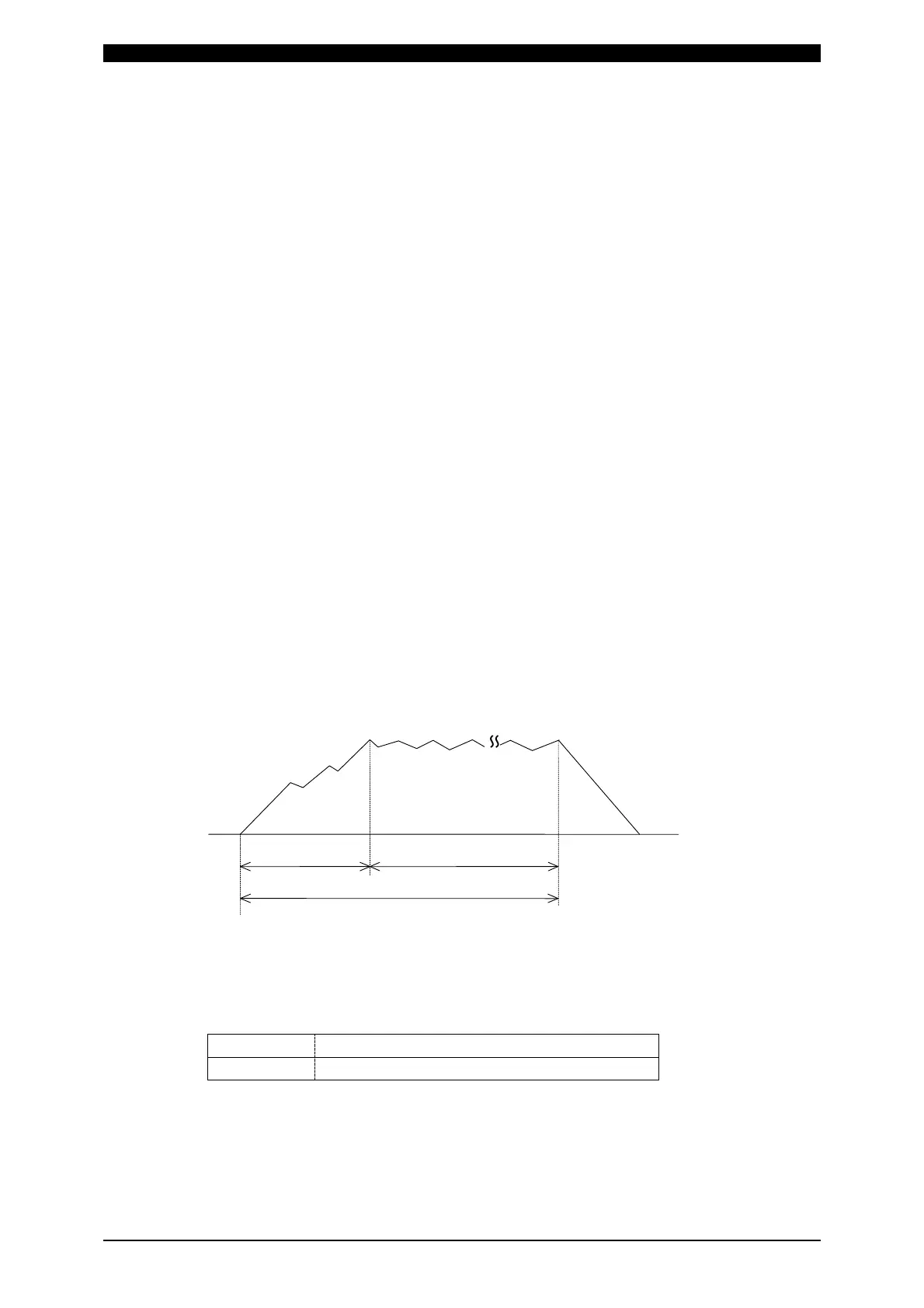
(e) MONITOR FIRST TIME
Use this setting to specify the start time to measure the monitored value (current,
voltage, power, pulse width). The start time can be set in a range from 0 to 15
ms.
Use this setting to exclude the initial rise of current from measurement.
The monitored value will not be displayed if the weld time is shorter than
MONITOR FIRST TIME. The monitored value will not be also checked against
the upper and lower tolerance limits.
t Monitor measurement
Weld Time WELD1, WELD2, WELD3
t = MONITOR FIRST TIME
~
~
(f) MONITOR SLOPE MODE
Select whether or not to include a slope period in the monitored value to be
displayed.
EXCLUDE
Slope period will not be included.
INCLUDE
Slope period will be included.
(g) CURRENT MONITOR NUMBER
Use this setting to switch between monitored currents to be displayed when our
monitor unit MA-628A is connected. This function is not used with this system.



 To Next Page