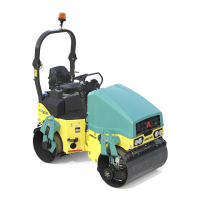
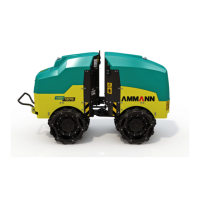
69AV 70 X
OPERATION MANUAL
Travel in CRAB mode
This function is used to adjust extended track during Machine travel.
Use potentiometer (2) to adjust travel speed, and use travel controls (1) to adjust its direction.
Press pushbuttons (5) and (6) on travel controls (1) to control the Machine in CRAB mode, and at the same you may turn the Machine.
Shift the travel controls (1) to opposite position via (0) and then return to (0) position within the interval of 1 second to stop the Ma-
chine – the engine will continue to run.
By deecting the travel controllers (1) from the position (0), the machine drives o.
Turning ON:
Press button (5) to deect the front drum to the right and press button (6) to deect to the left, the indicator lamp on cluster (26) will
light up to signal this function.
Max deection of the front drum to both sides is 180 mm.
Turning OFF:
Press switch (4) to cancel CRAB mode of front drum.
Indicator lamp on cluster (26) will go OFF to signal CRAB mode has been reset.
Note
In the event that the control lamp on the combined instrument (26) is ashing, hold the switch and turn the steering wheel (to the left/
right) until the control lamp goes out.
If the Machine is equipped with cutter and nal compactor, then pushbuttons (5) and (6) on travel control (1) on the same side where
it has been mounted, are used to control it. Then pushbuttons (5) and (6) on the second travel control (1)) are used to control the Ma-
chine in CRAB mode.
Take special care when Machine travels in CRAB mode near constructed facilities so to avoid their dam-
age due to any collision (hitting)!
If necessary, fold the external mirrors!


 To Next Page