7-7
7.3 Software setting
Installation consists of four processes, cabinet disassembly, parts/PCB fitting, cabinet assembly, software setting and cali-
bration/test. Software setting in Maintenance display is required for options to be effective.
Procedure :
Entering Maintenance display
(1) Turn on power while pushing 0 key.
(2) Enter Cal menu by pushing Shift+0 keys.
(3) Open the second page of the Cal menu and enter Maintenance menu with F6 key.
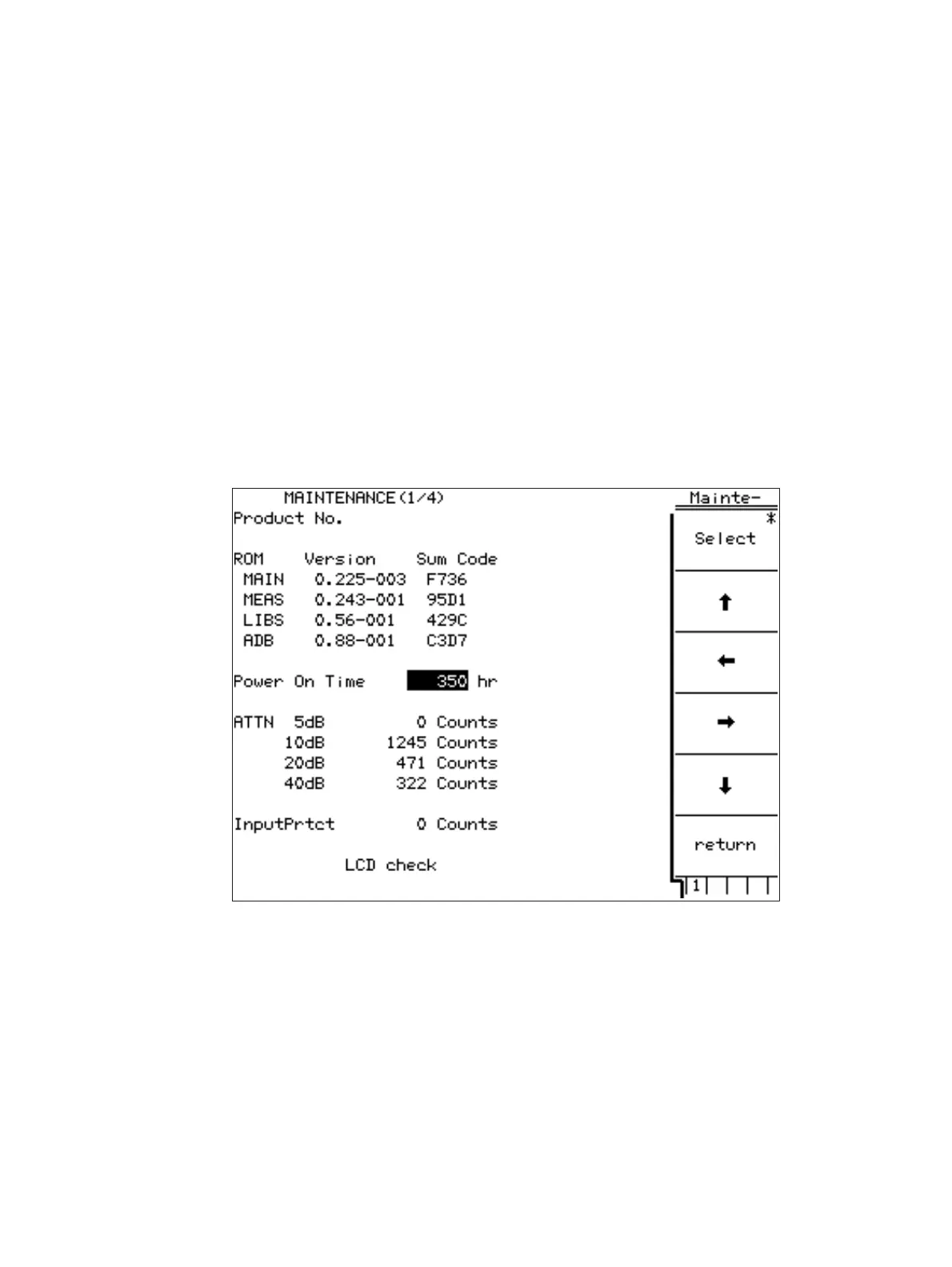
(4) Maintenance display appears with Version & Options (F1) key.
Fig. 7-3-1 Maintenance Display
7.3 Software setting












 To Next Page