7-9
Saving the state in EEPROM
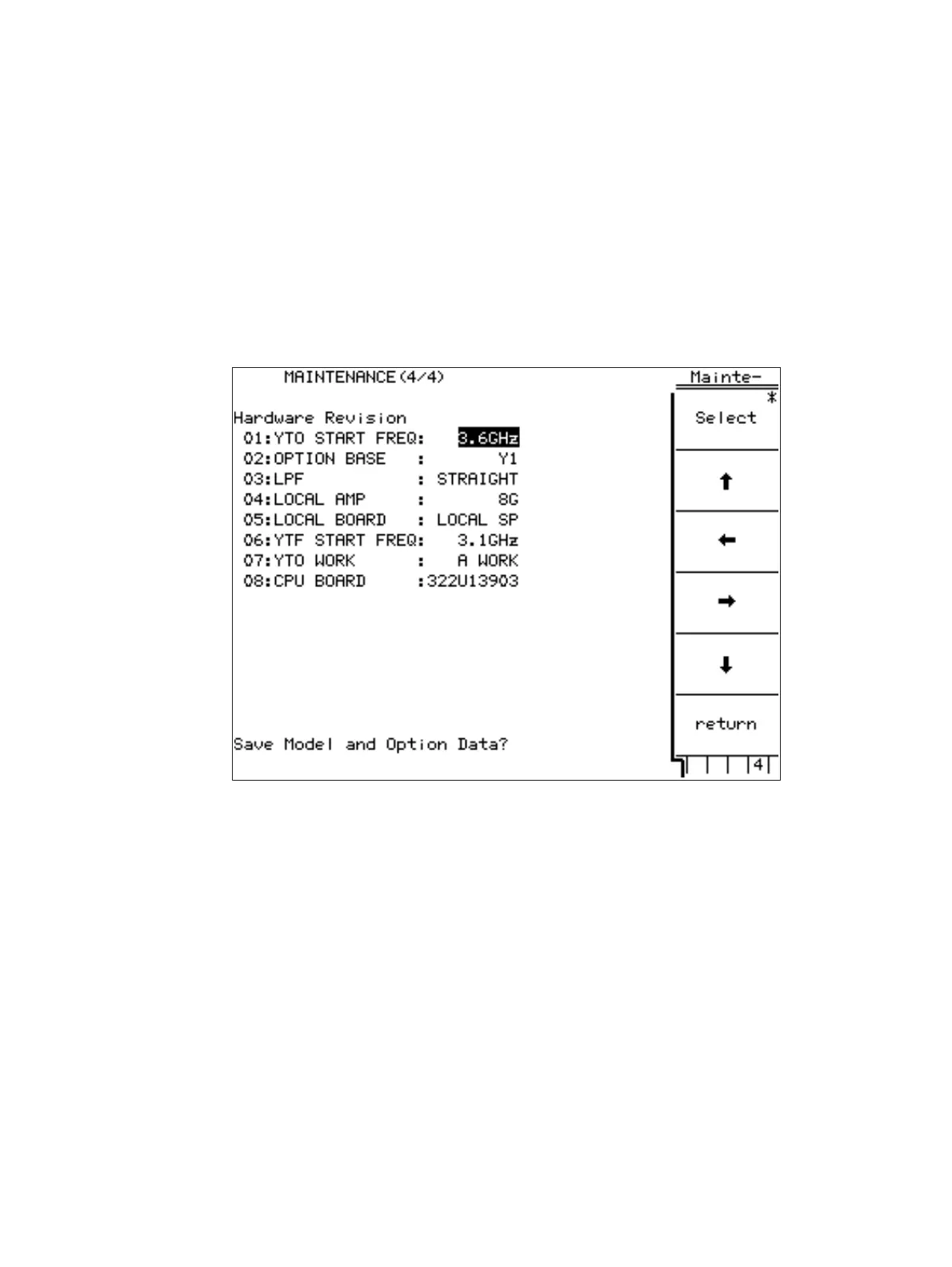
When states of options are changed they must be saved in Flash Memory.
(1) Open the fourth page of the Maintenance display.
(2) Set cursor on “Save Model & Option Data?” by arrow keys.
(3) Push Select (F1) key to enter Save menu.
(4) Push Save (F1) key and confirmation menu appears.
(5) Push Yes (F2) key.
(6) Push return (F6) key to exit Maintenance Display.
It takes about five seconds to save data in Flash Memory.
7.3 Software setting












 To Next Page