34
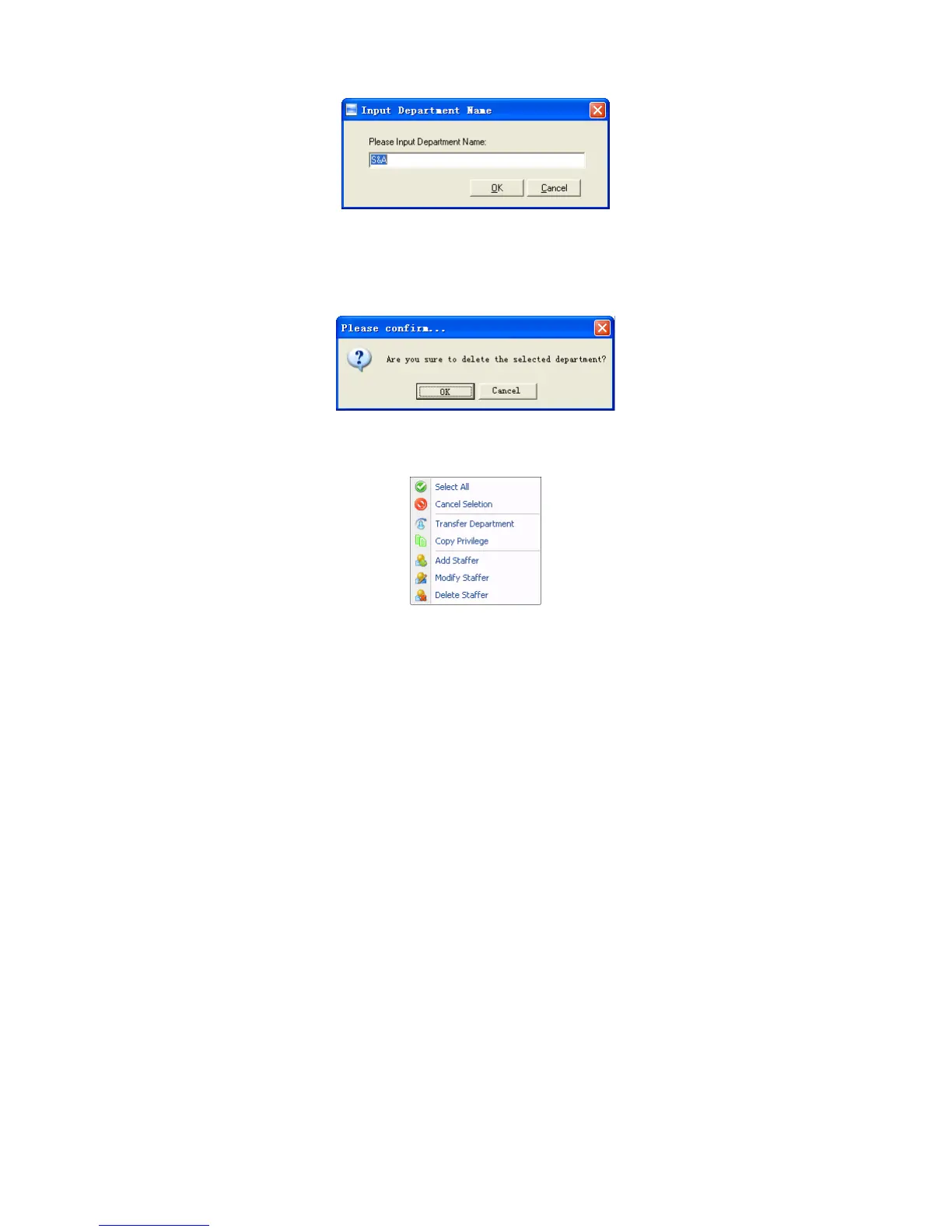
Input department name. Click [OK] button to save. Click [Cancel] to exit.。
Delete department
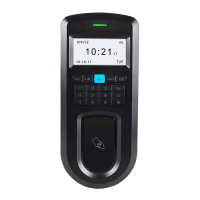
Choose Delete dept. in the menu, which will pop-up the following window:
Input department name. Click [OK] button to save. Click [Cancel] to exit。
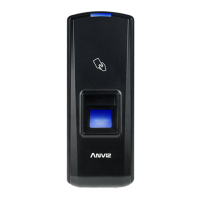
4.3.12 Right-hand Button
Select All: Select all records that are in the record list.
Cancel Selection: Cancel select the record.
Click options one by one in the menu and the following modules will pop up
respectively: [Transfer Department], [Copy Privilege], [Add Employee], [Modify
Employee] and [Delete Employee].
4.4 Record Management
It is mainly to search, export records. It can use for backup record:


 To Next Page