47
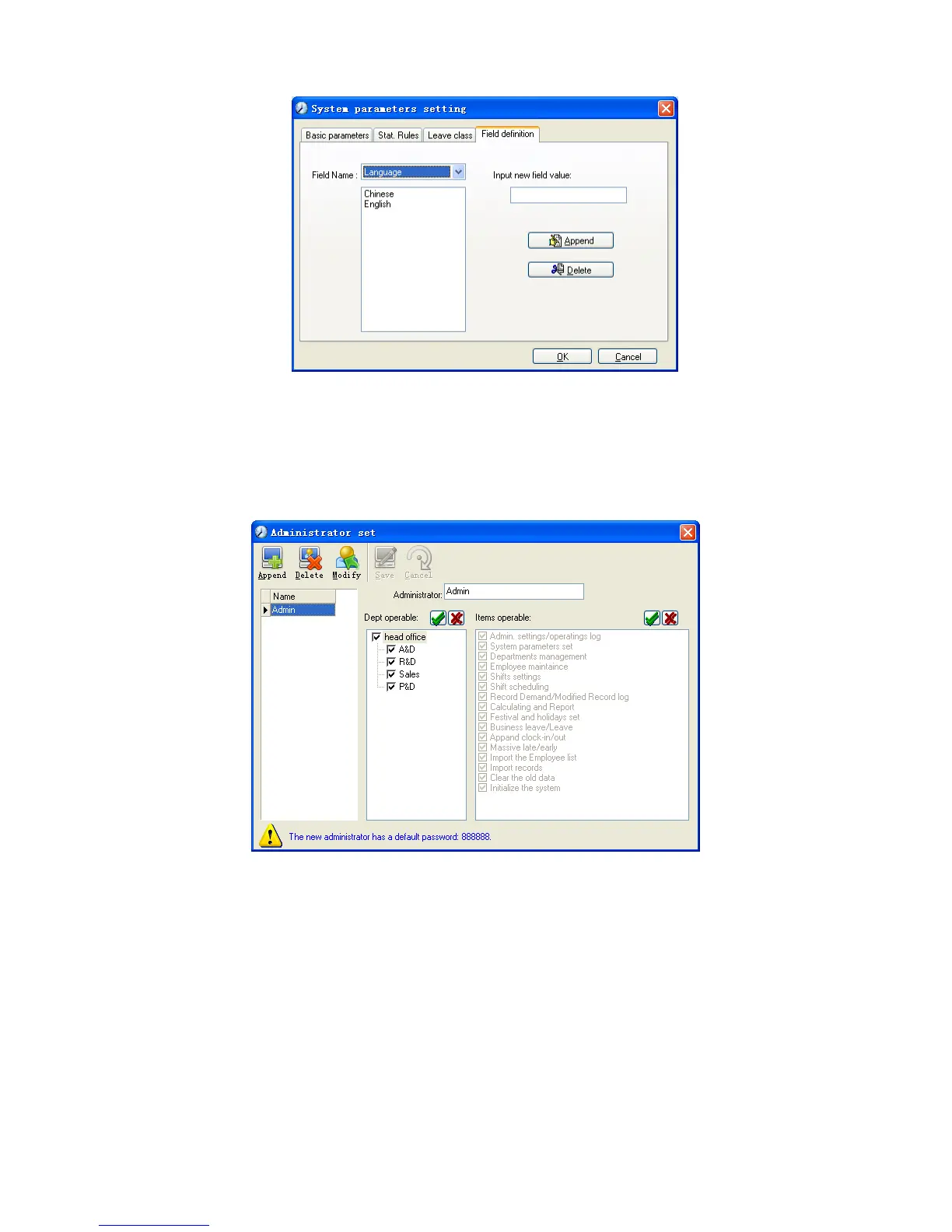
This page add the corresponding value for [Nation], [Specialty], [Position]
[Education] in menu [Employee maintenance].
5.2.2 Administrators
Click [System]-[Administrators], following window shows:
Append new administrator:
Click [Append]—input the name of new administrator within input field.
Of [Administrators], select corresponding privileges below and click [Save] to
finish adding of new administrator. The default password of new administrator is
888888. Please log in as the new registered administrator and click menu [System]
-- [Administrator’s password set] to set new password of administrator for system
security.
Note:



 To Next Page