62
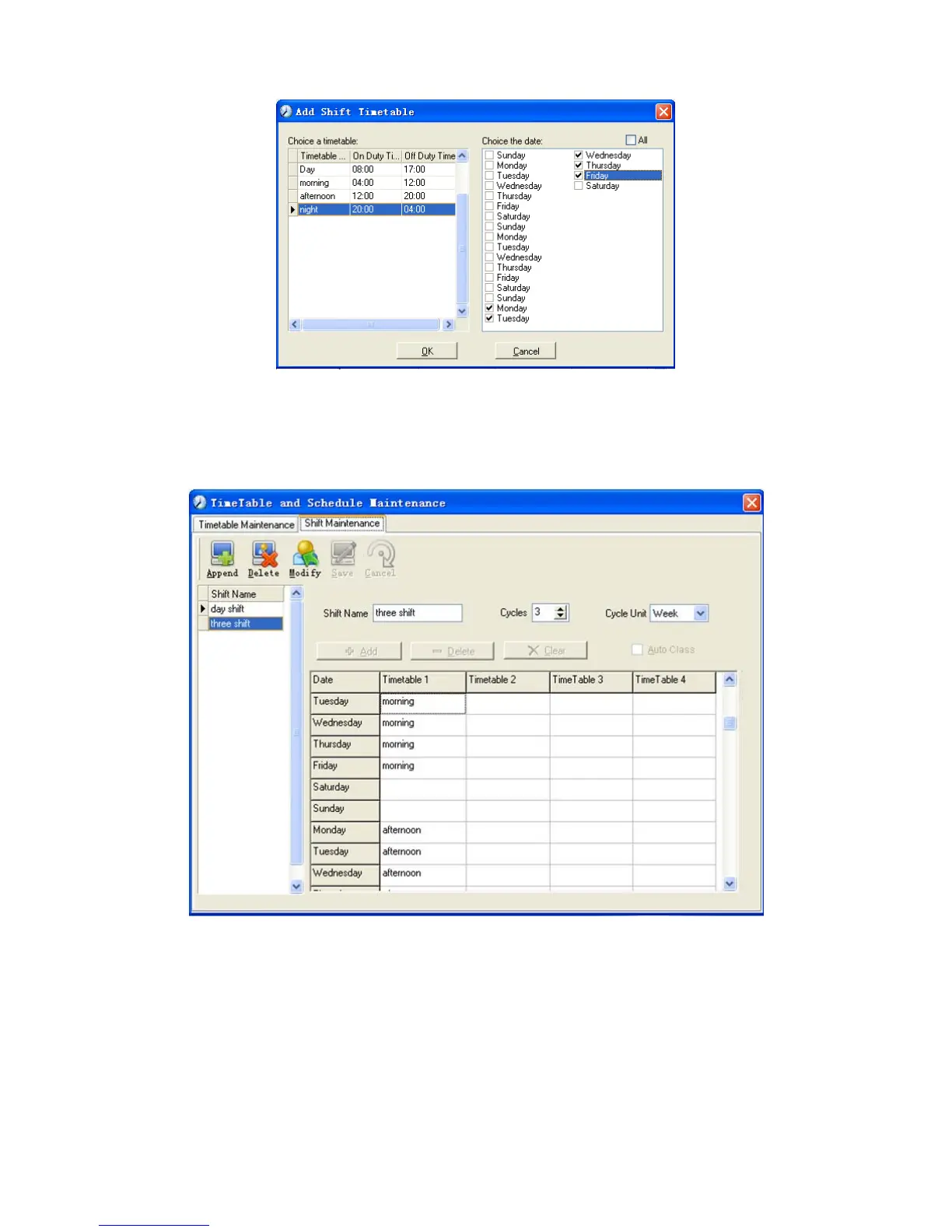
Click [OK] to complete the working hour setting for the third week.
After the completion of above steps, please don’t forget to click [Save] and the
setup of “three shifts” will be done (see the picture below):
5.4.3 Employee Scheduling
Click [Employee Scheduling] in [Attendance] menu. The following window
appears:



 To Next Page