Apogee Symphony Desktop User’s Guide
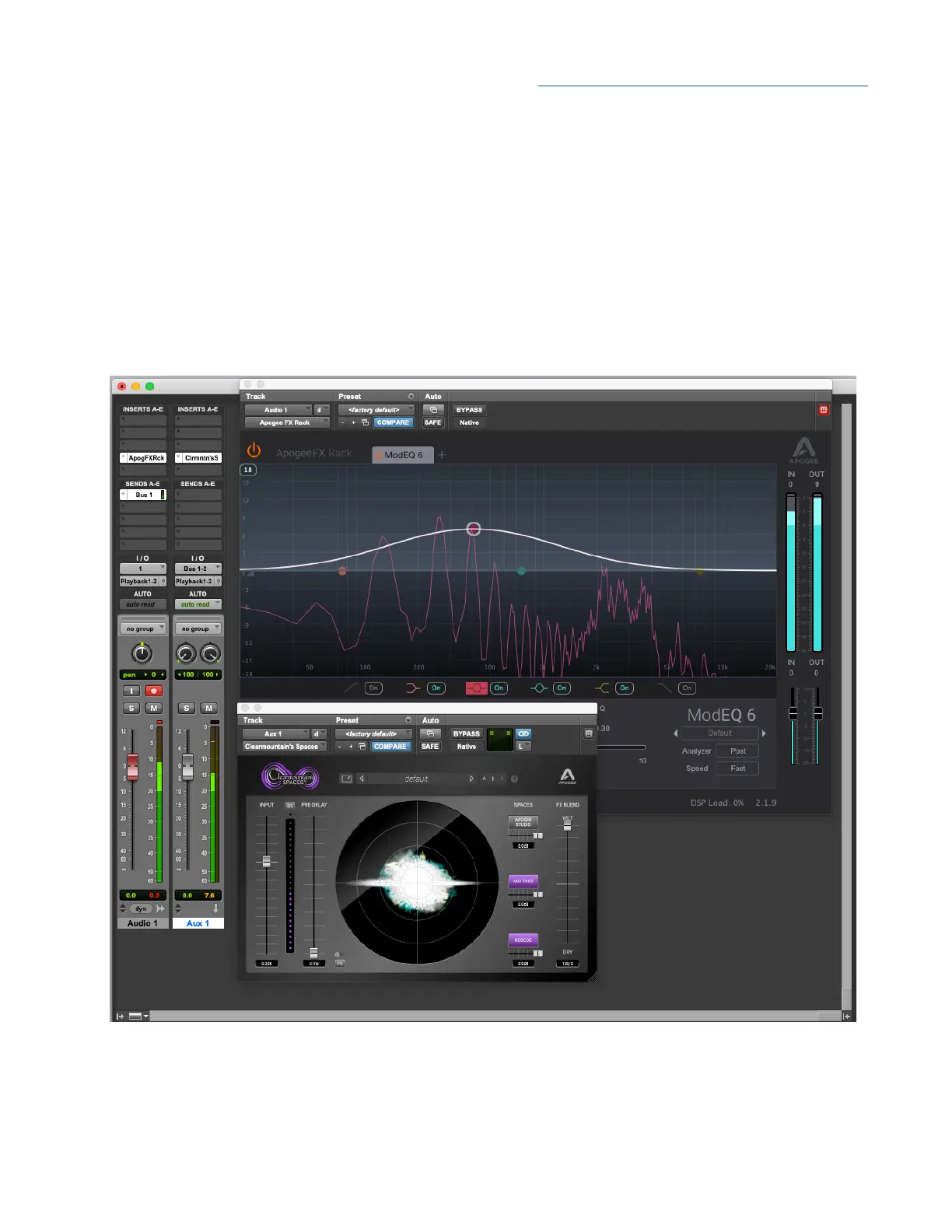
1. To use native reverb while Direct monitoring, choose Pro Tools > Preferences to open the
Preferences window; click the Mixing tab, then check “Allow Sends to persist during LLM” under
Setup.
2. When checked, Pro Tools channels behave in the following manner that’s crucial to the DualPath
workflow and other operations of the Channel FX plugin.
● When Record or Input is activated on the channel, the plugin interface remains active
including level meters.
● Bus sends remain active, so the channel’s input signal may be sent to native reverbs even
though the channel’s input is not routed to the session Master output (because Low Latency
has been checked).
58



 To Next Page