Page 37
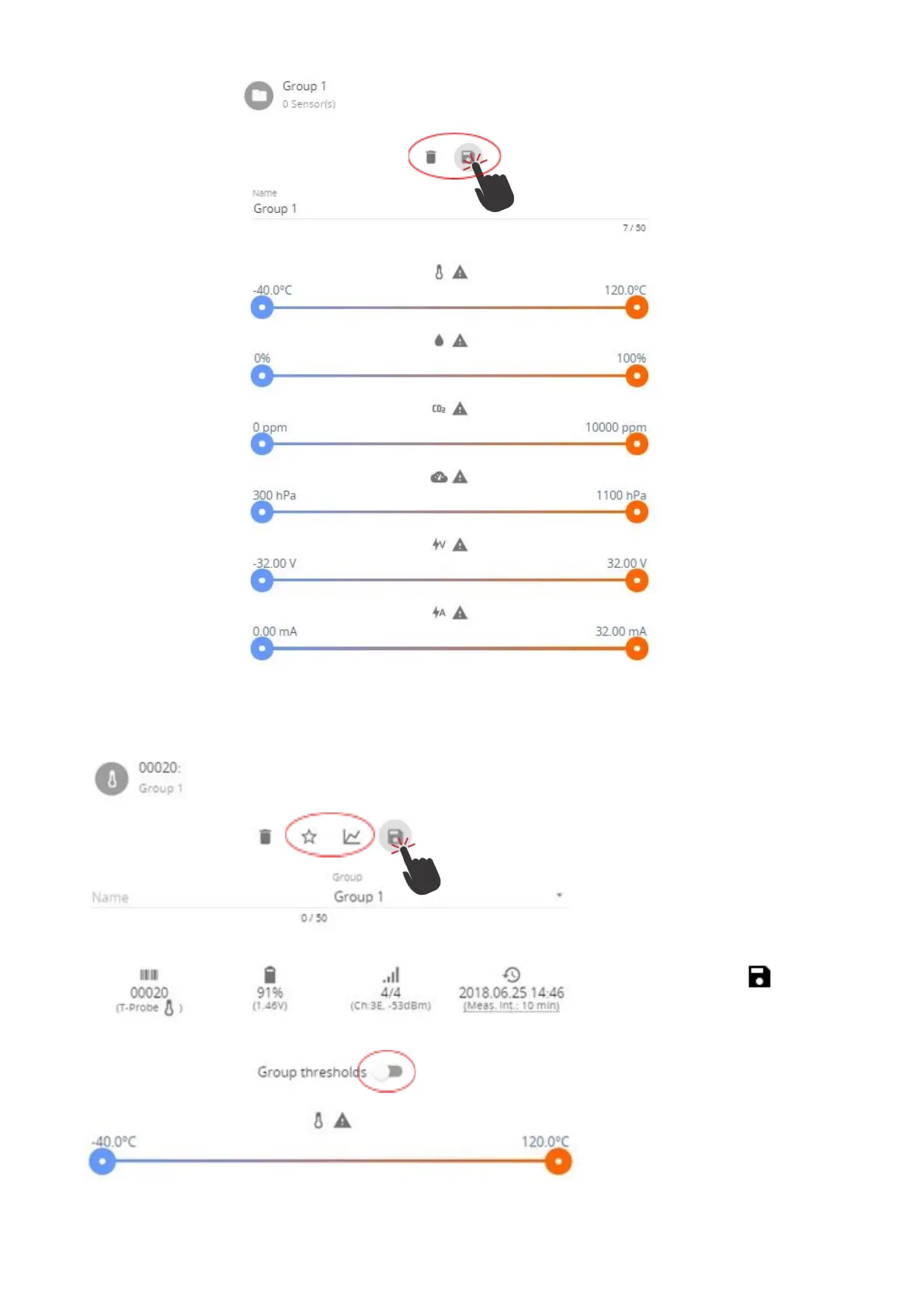
(5) To add sensors to a group, choose the “Sensors” menu and click on the item you would like
to add. (Same is possible from main menu “Home”)
(6) In sensor options
click on the group drop
down menu. Choose the
group you would like to
add this sensor to.
(7) In sensor options it
is also possible to toggle
between sensor
thresholds and group
thresholds as preferred, so
even grouped sensors can
have individual thresholds.
(8) Click the Save
button to save changes.



 To Next Page