Page 47
3.6.6
Backup menu
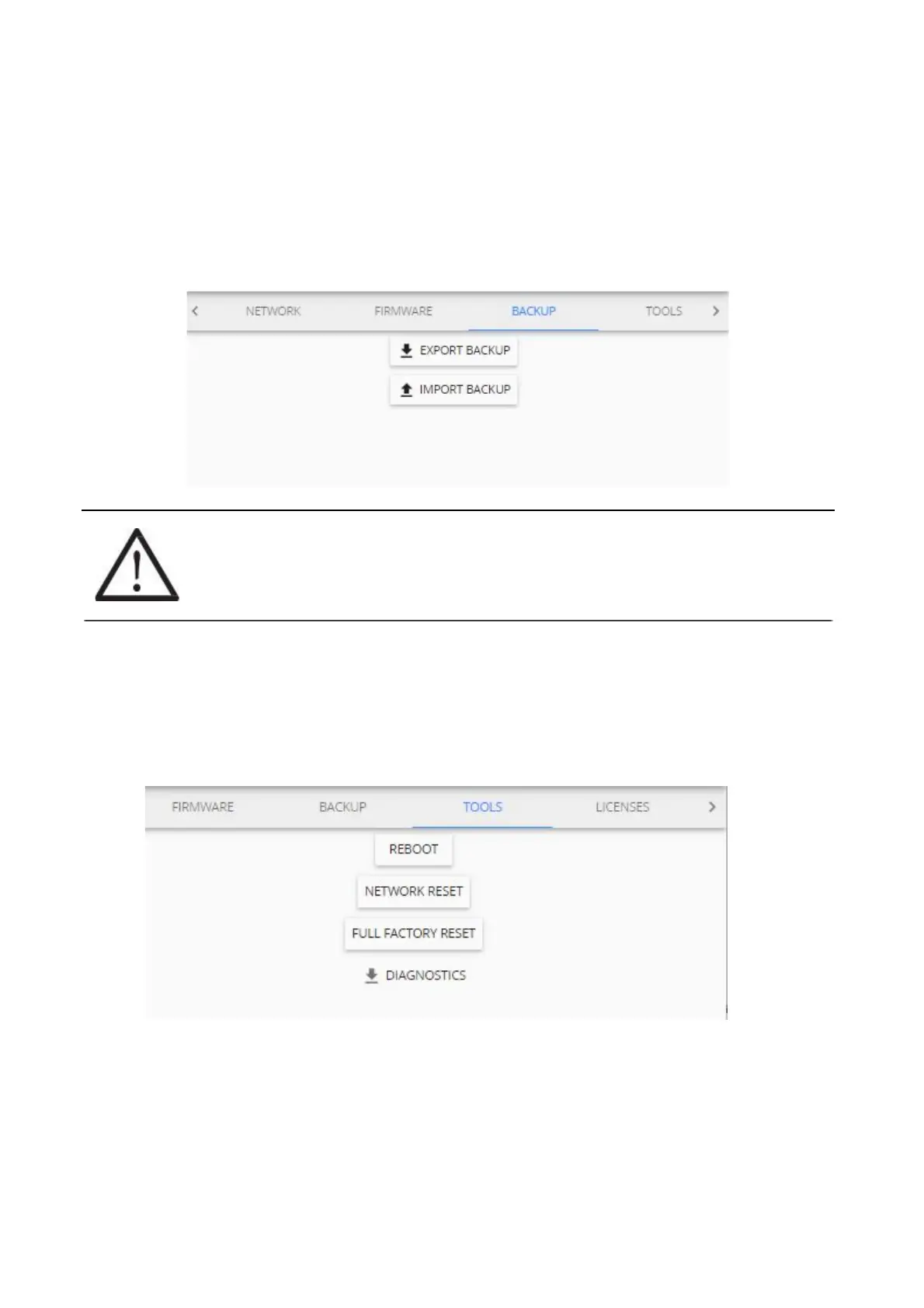
The backup menu is where user can create a backup for device settings:
(1) To perform a backup just click the “EXPORT BACKUP” button and a file will automatically be
downloaded. It enables quick cloning of settings and sensors of current Aranet PRO/PRO+ for
either duplication reasons, or if full factory reset is necessary, which also can be performed in this
menu.
(2) To upload a backup file, click on “IMPORT BACKUP” and locate a backup file. Once that is done
click the upload icon next to it. You will be asked for administrator’s password: type it in and click
“OK”.
!NOTE! It is important to remember that the gathered data will not be saved in the back up, it
needs to be exported in case you wish to save it.
Aranet PRO/PRO+ name is saved in the backup file; if you duplicate (clone) the base
station, current Aranet PRO/PRO+ name will be overwritten with imported one.
3.6.7
Tools menu
Aranet PRO/PRO+ base management options, such as remote reboot, network reset, full factory reset,
and diagnostics file download are available here:
REBOOT – reboots the Aranet PRO/PRO+.
NETWORK RESET will load the default network settings for Aranet PRO/PRO+ and can also be
performed by a network reset button on Aranet PRO/PRO+ by holding it for 5 or more seconds,
however that will also reset the root user password.
FULL FACTORY RESET will delete all the configuration data and reset Aranet PRO/PRO+ to
default settings. Previously recorded measurement data will be available and not be deleted.
DIAGNOSTICS – file containing specific Aranet PRO/PRO+ base station information is downloaded
by clicking this button. This file could be helpful for malfunctioning investigation and ought to be sent
to factory for analysis.



 To Next Page