Page 40
3.6.3
Time menu
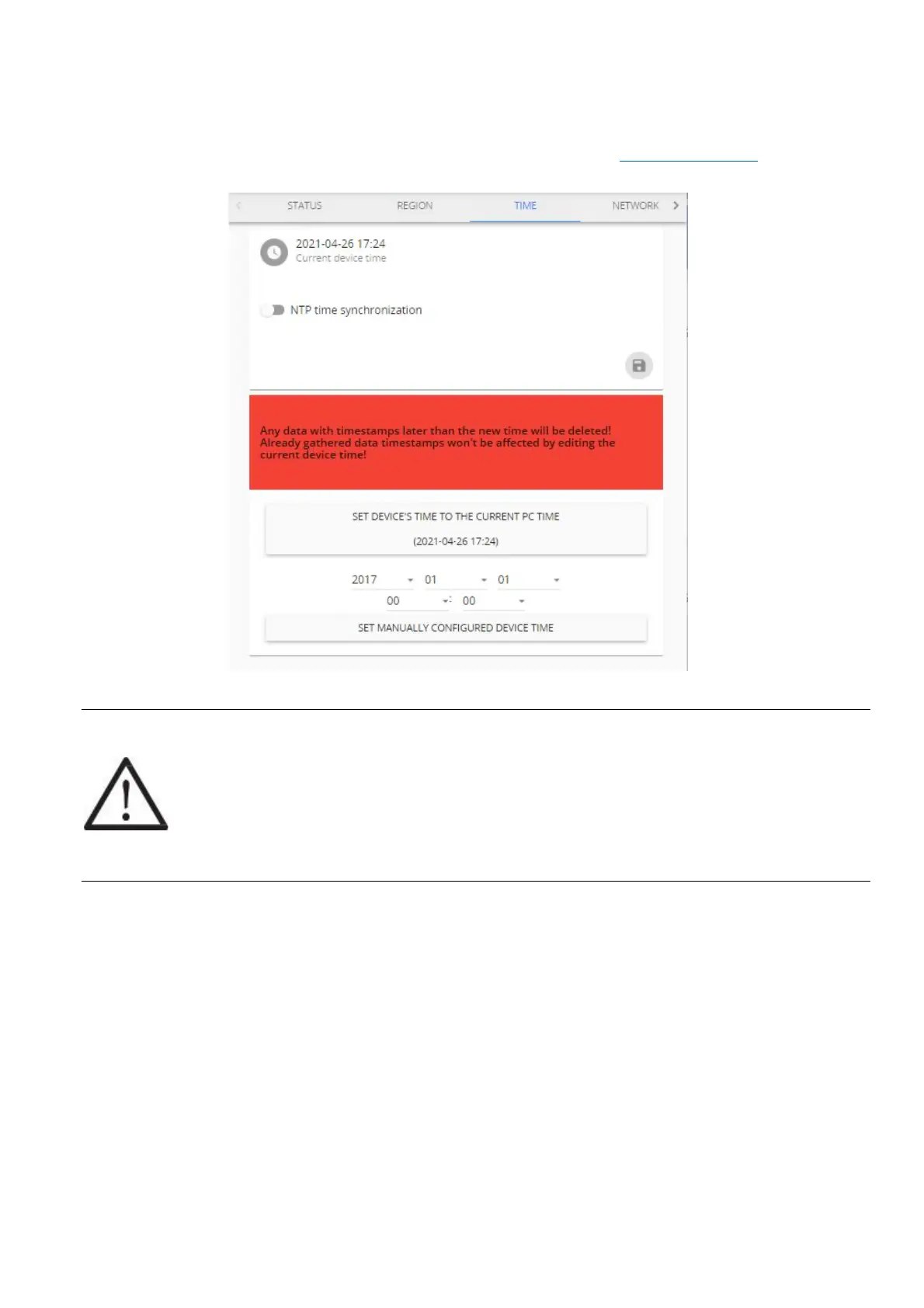
By default, Aranet PRO/PRO+ uses the local devices time settings, however it is possible to change the
time and set it up manually, if it is preferred, as well as to use an NTP server for time synchronization.
NTP time synchronization requires connectivity with Internet (refer to chapter 3.6.4 Network menu).
!NOTE! If device time is adjusted backwards, any data previously gathered with a timestamp
later than the newly set time will be discarded and permanently lost.
It is recommended to enable NTP time synchronization if Aranet PRO/PRO+ is registered to
Aranet Cloud.



 To Next Page