Page 54
3.6.10
Radio menu
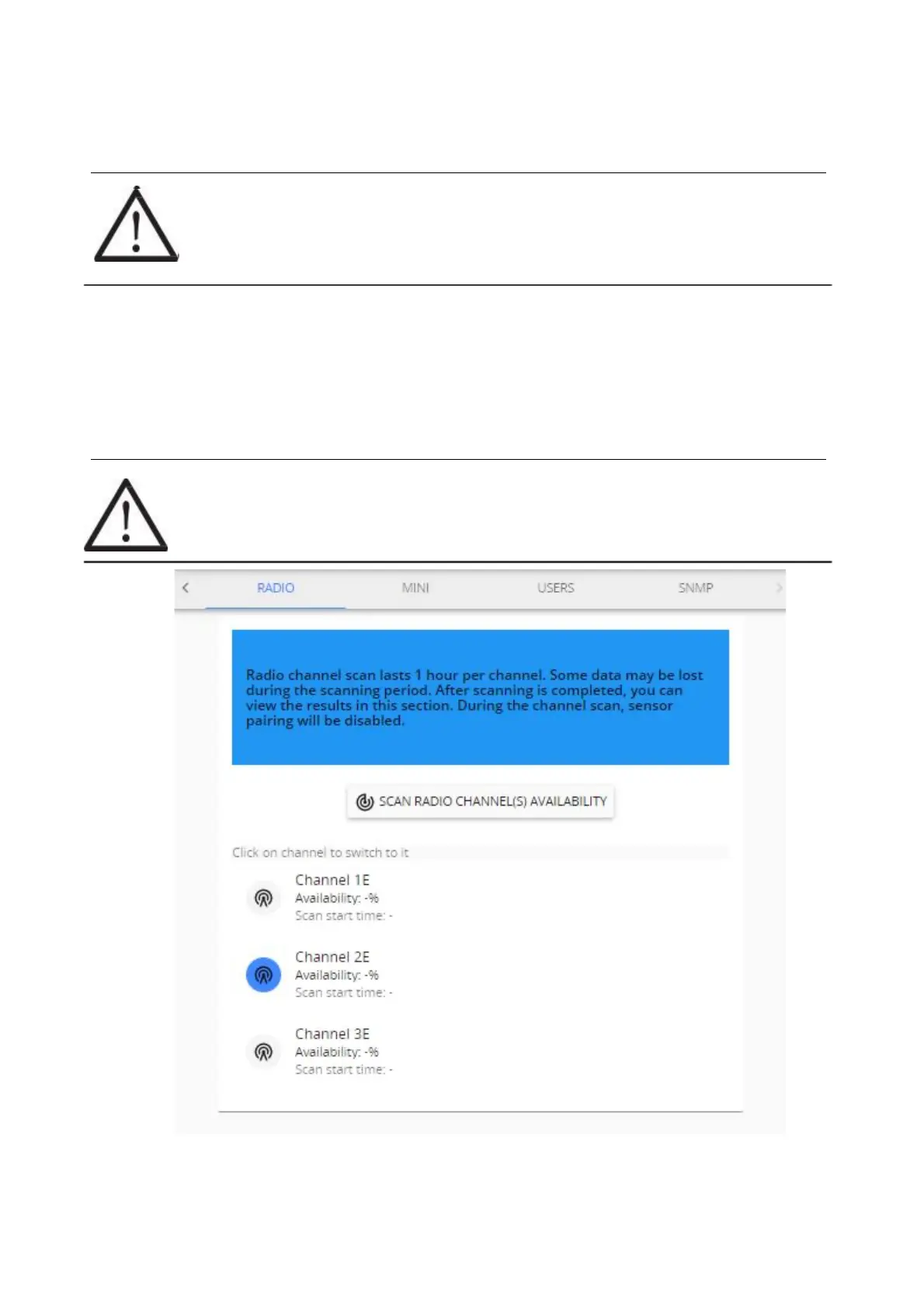
Radio menu allows to perform a channel radio availability scan for each of the available channels.
If the area has a dense coverage of sensors from other base stations this can become important.
!NOTE! If sensors are already paired to Aranet PRO/PRO+ they will also show up as
interference in the radio scan of the channel currently in use.
A channel scan can be activated for selected channel or all channels at same time. Scan takes 60 minutes
per channel during which it is not possible to pair new sensors to the base station or change the time of
device. Channel switching is disabled during the scan. Some data may be lost during the scanning period.
You can abort the scan process by selecting STOP SCAN. The statistics of scanned channel in this case
will be lost.
After scan we recommend choosing the channel with the highest availability to ensure that you receive
reliable data stream from the sensors and avoid data loss.
!NOTE! When changing channel, already paired sensors require re-pairing.



 To Next Page