Page 57
3.6.12
Users menu
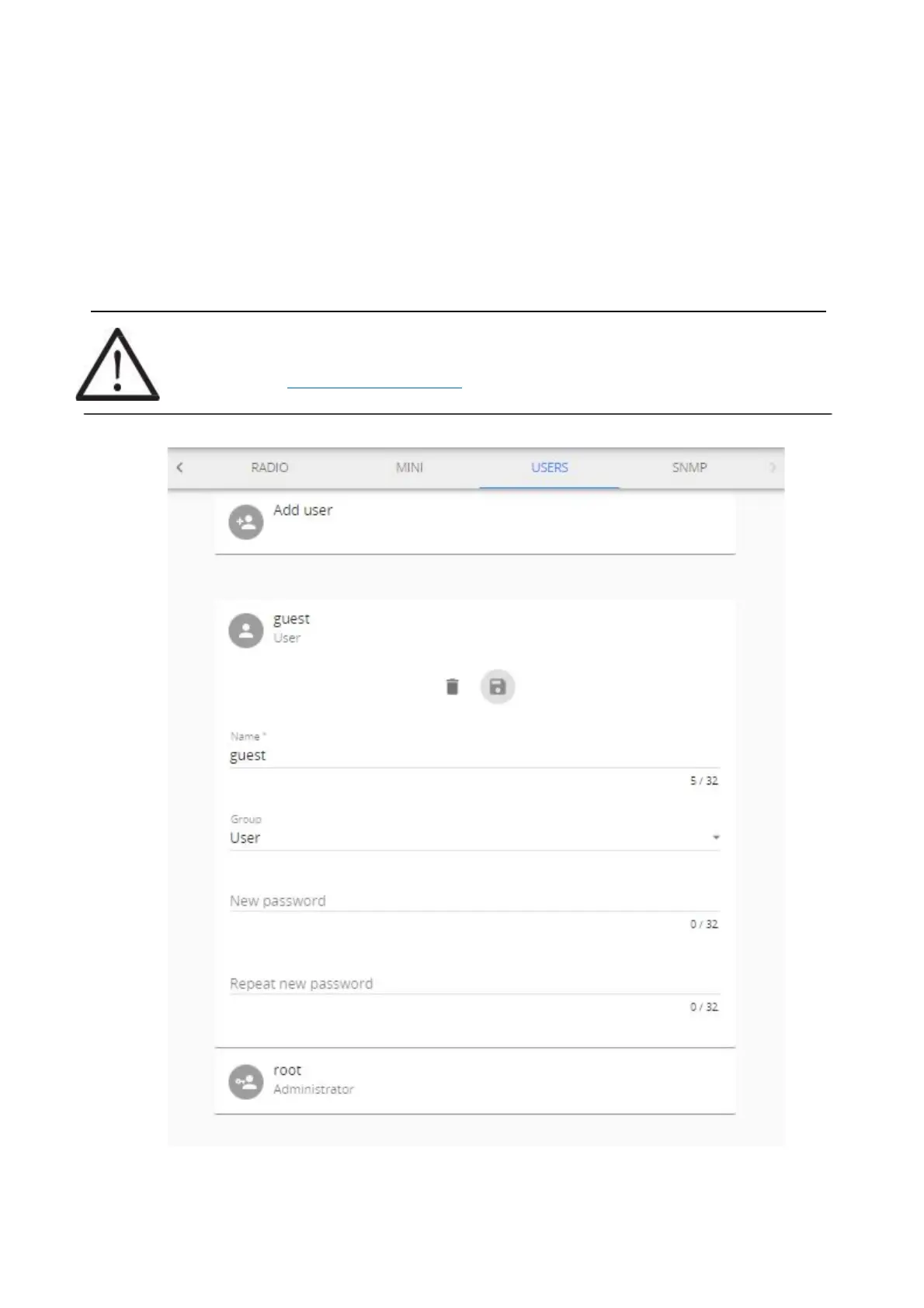
The Users is where you can create new users, delete, and edit the data about existing ones. There are two
types of account groups - User and Administrator.
The User group account has limited access to many of the settings’ features, however full access to data
and sensors is granted. By default, user Guest in User group is provided.
The Administrator group account should only be given to those who need features, such as software
update, network reset, threshold settings, etc. By default, root account in Administrator group is provided.
Root account cannot be deleted, nor its name changed. Root account can modify other user accounts
belonging to Administrator and User groups.
Up to 20 accounts can be created (including root).
!NOTE! Change the root user password! Default password is a placeholder that is well known and
should only be used for initial setup or after resetting to factory defaults.
Refer to chapter 3.6.7 Tools, Factory reset on options resetting root password.



 To Next Page