Page 56
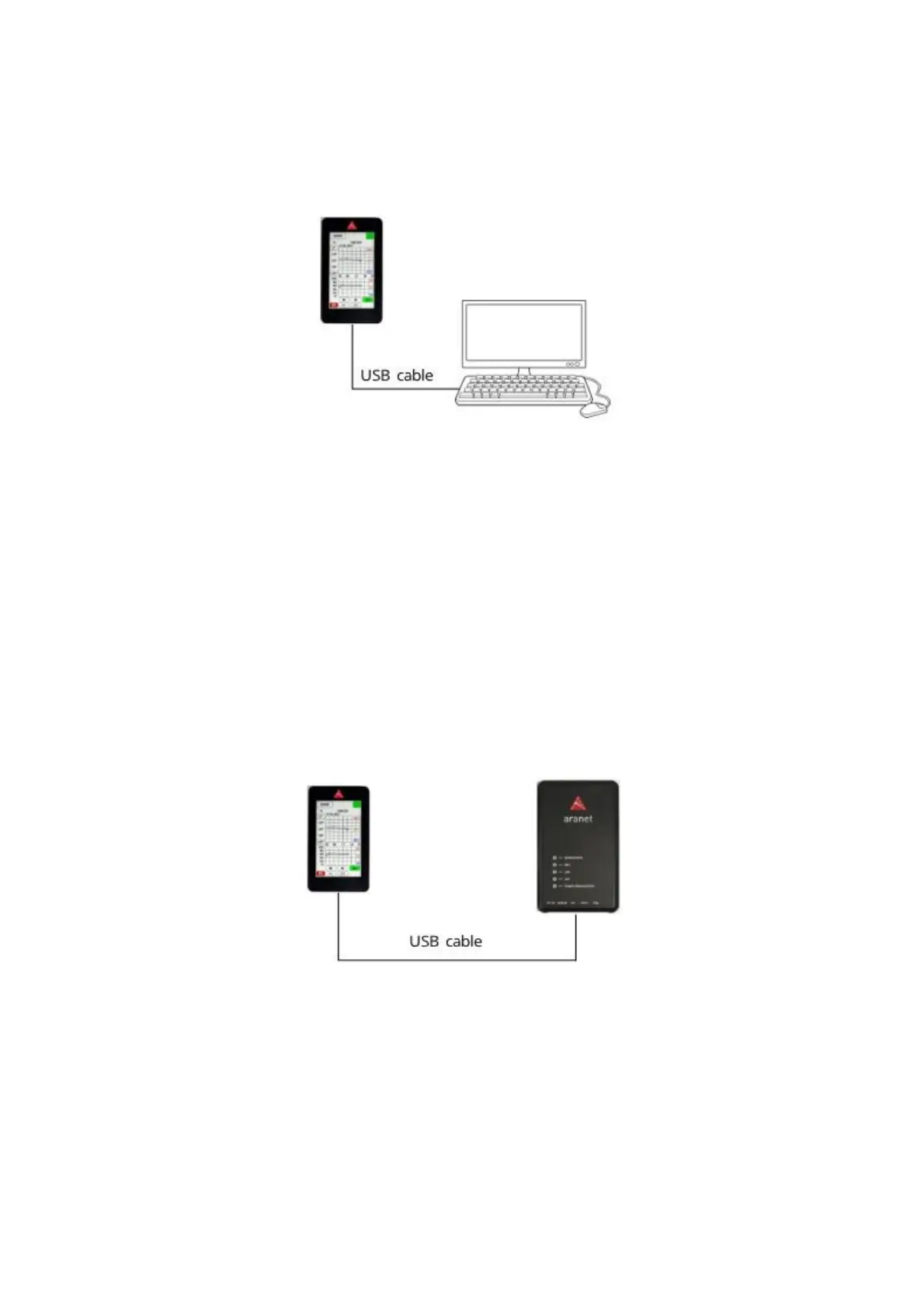
(5) Aranet Mini should be connected to a free USB port on the computer using for instance the included
USB cable. It will automatically recognize Aranet Mini as a storage device. The downloaded file
needs to be transferred to the Aranet Mini main file directory. New settings from configuration file
will automatically be applied to Aranet MINI.
(6) Disconnect the USB cable.
(7) To return full Aranet MINI functionality select the Standalone mode in the same Aranet PRO menu
and repeat steps 3 - 5.
3.6.11.2 Directly from Aranet PRO/PRO+ to Aranet MINI
(1) To configure Aranet MINI into monitor mode you need to log in Aranet PRO/PRO+ using a desktop
PC or a smart device and choose the Monitor mode in System settings menu, submenu Aranet
Mini.
(2) The firmware version of the Aranet MINI will be detected automatically once it is connected to
Aranet PRO/PRO+. You do not need to select the version manually.
(3) Choose the sensors you wish to display on Aranet MINI (up to 12 sensors) by selecting the (+)
buttons. Here you can change name of the sensors and rearrange the position by drag and drop.
(4) Aranet Mini should be connected to the USB port on the Aranet PRO/PRO+ using the included
USB cable. The “Upload via USB” button will become available, by pressing on it the settings will
automatically be loaded on Aranet Mini.
(5) Disconnect the USB cable.
(6) To return full Aranet MINI functionality select the Standalone mode in the same Aranet PRO/PRO+
menu and repeat steps 3 - 5.



 To Next Page