Page 38
3.6
System
“System settings” screen is where you will find critical information and options for your Aranet
PRO/PRO+.
3.6.1
Status menu
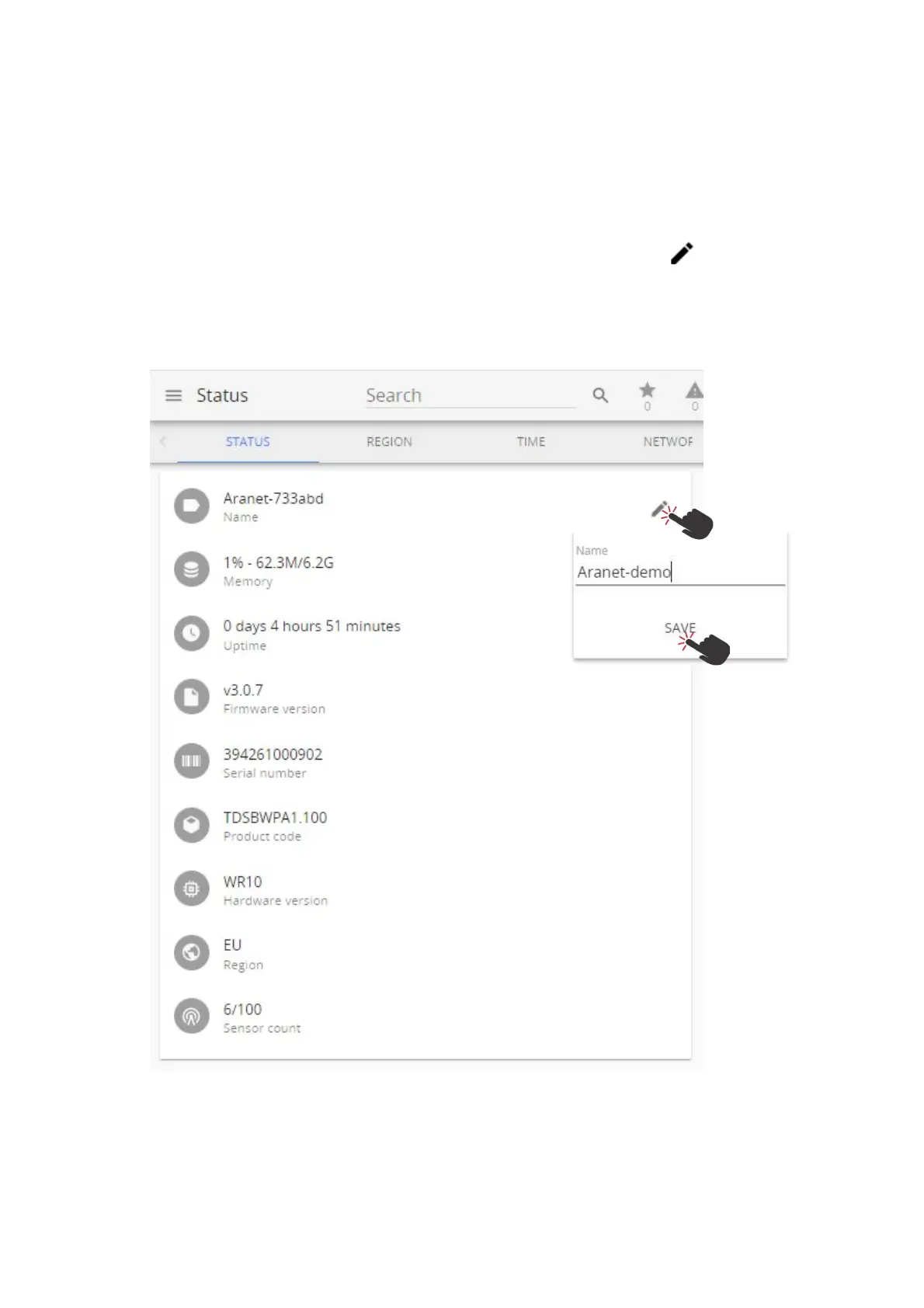
The status screen is a status information screen that will provide you with information about the
Aranet PRO/PRO+.
You can change the name of the Aranet PRO/PRO+ device by clicking on the pencil sign and typing in
the new name and confirming the change with the SAVE button.
Aranet PRO/PRO+ device name will be used in the email notifications for easier identification of which
Aranet PRO/PRO+ device is sending the message.



 To Next Page