Page 26
2.3
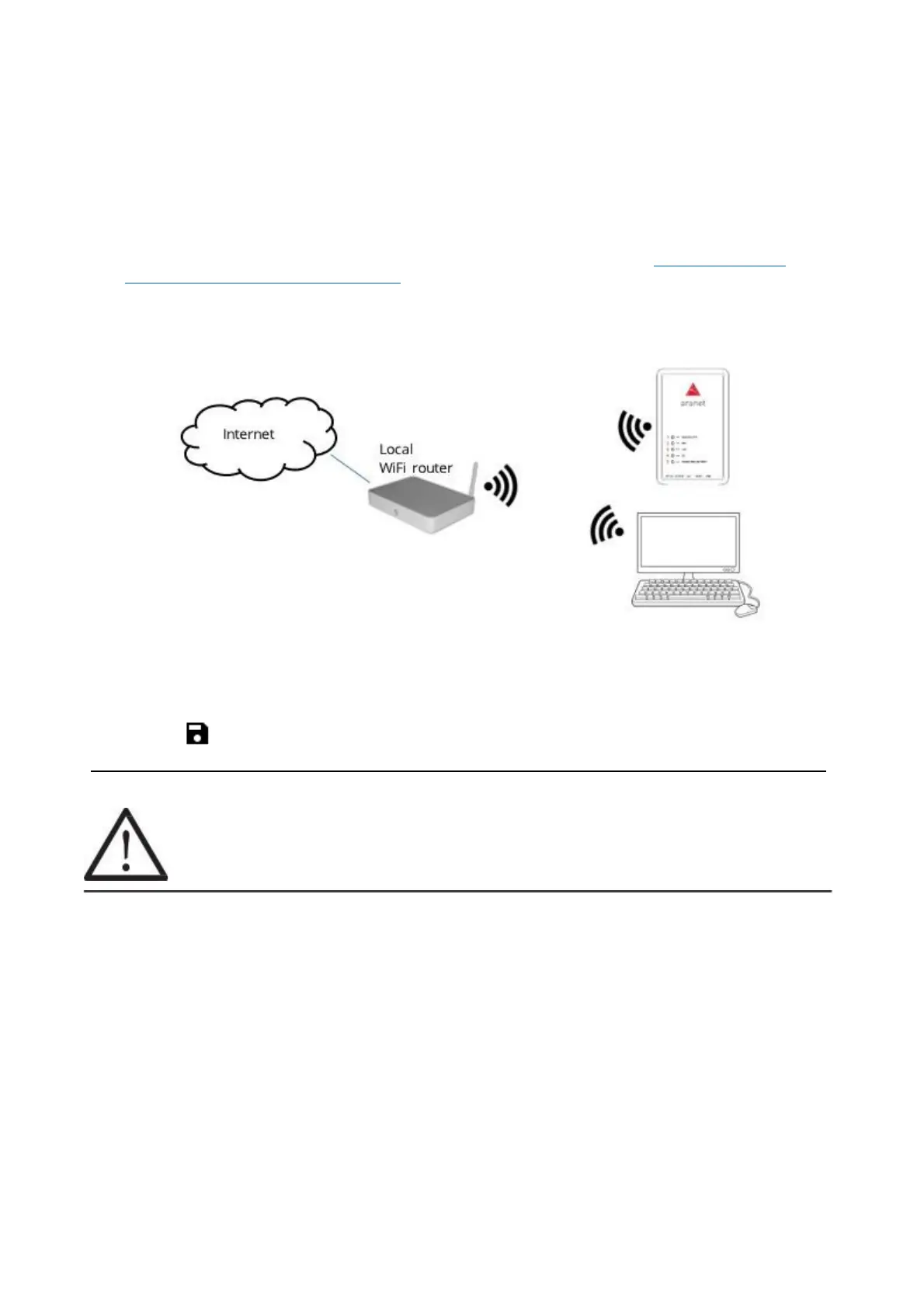
Connecting Aranet PRO/PRO+ to internet network
Additional features like network time synchronization (NTP), reporting and alarm notifications using e-mail
requires connectivity to Internet (or internal data (Local) network).
2.3.1
Connecting Aranet PRO/PRO+ to internet network using local Wi-Fi router
In case you wish to connect your PC and Aranet PRO to your local Wi-Fi network, you should change Wi-Fi
settings on Aranet PRO in following way:
(1) Connect your PC to Aranet PRO/PRO+ using Ethernet cable (refer to chapter 2.1.2 Initial setup of
Aranet PRO/PRO+ using Ethernet cable)
(2) Navigate to SYSTEM > NETWORK and select WIFI tab
(3) Choose the “Client” mode (see picture below).
(4) Under “Select from this list or input manually” find name of your local Wi-Fi network
(5) Choose the required Encryption
(6) Fill in the Wi-Fi password (if required)
(7) Click on to save the settings
!NOTE! Most Wi-Fi routers have DHCP enabled by default, we recommend keeping this
setting for ease of set up. For advanced users, however, static IP address set up is possible.



 To Next Page