Page 49
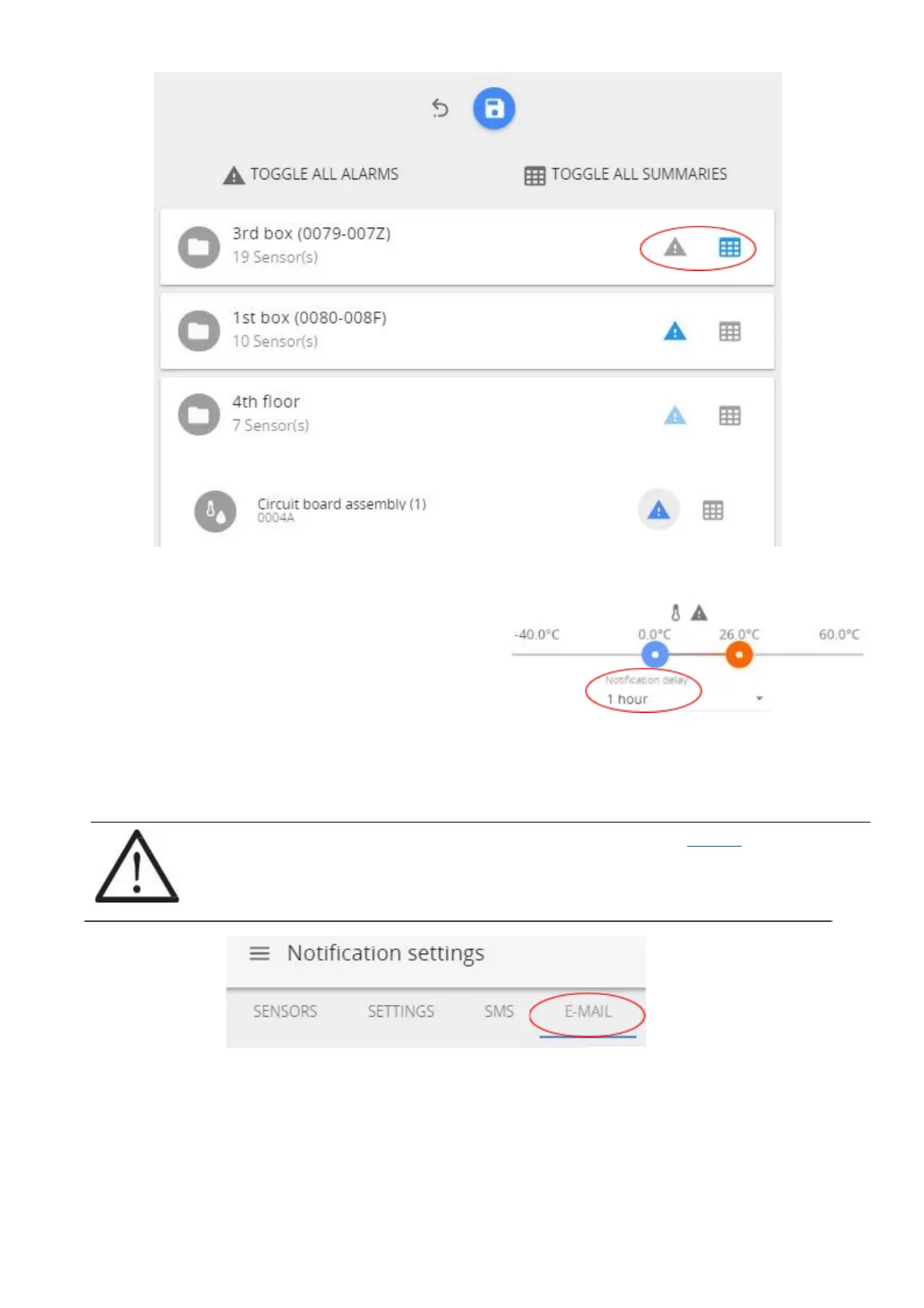
An e-mail and/or SMS will be sent immediately or after the
delay time set under “Notification delay” for the
respective sensor. For setting a Notification delay
navigate to the Main menu (Home) and click on required
sensor.
3.6.9.2 Settings screen
The Settings screen is where you can choose if you want to receive notifications via email, text messages or both,
and what type of notification to receive.
!NOTE! To set up an e-mail notification, please start with configuring the E-MAIL which
notifications will be sent from. Then proceed back to SETTINGS to specify email address
where notifications will be sent to.
(1) Input your email address and phone number to receive the notifications.
(2) Save changes once you have completed all tasks.
(3) It is suggested to perform a test of notifications by using the TEST SENDING button located at the
bottom of Settings screen. If correct email and/or phone number is entered, the notification message
should be delivered. Allow some time for notifications being delivered. Check any spam folder in
case of missing test email notification.



 To Next Page