Page 60
1) Enable – allows enabling/disabling MQTT data transmission from Aranet PRO/PRO+ base station;
2) Host address – allows configuring IP address or hostname for the MQTT broker;
3) Port – allows selecting the TCP port used for the connection to the MQTT broker. The most common
ports are 1883 or 8883;
4) Protocol version – allows selecting MQTT protocol version used for connection to MQTT broker.
The broker should support selected version;
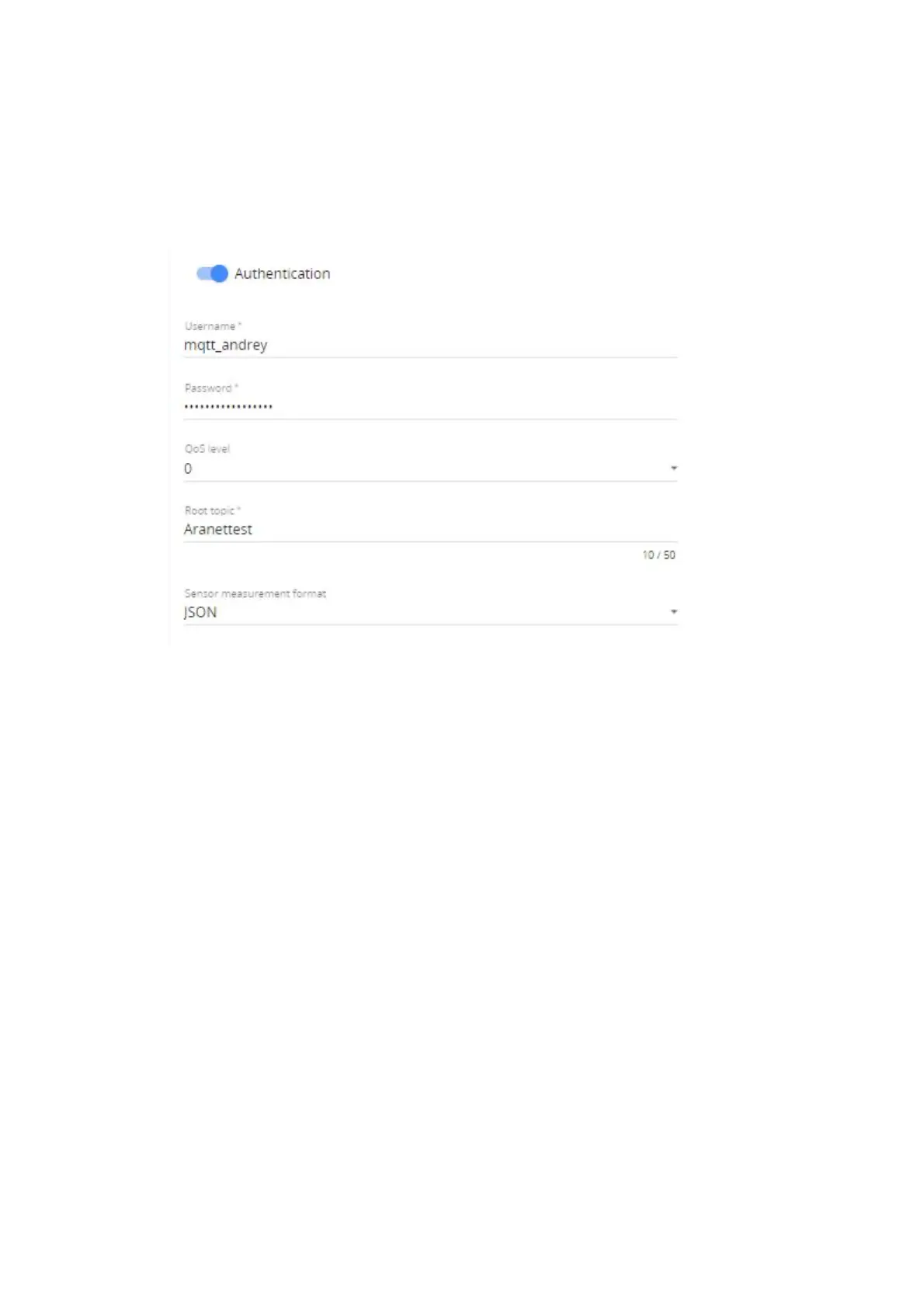
5) Authentication - upon necessity allows enabling additional authentication for the connection to
MQTT broker and type in:
a. Username and
b. Password for such connection authentication;
6) QoS level (0, 1 or 2) for MQTT message delivery on the MQTT broker can be selected as necessary;
7) Root topic – allows selecting root topic name with what MQTT messages will be published from
Aranet PRO/PRO+ base station on MQTT broker. In our example, we will use the name Aranet;
8) Sensor measurement format – allows selecting format (raw, JSON or Azure) in which MQTT
messages from Aranet PRO/PRO+ base station will be published on MQTT broker;
9) Encryption - upon necessity allows configuration of additional encrypted certificates (TLS version
1.1, 1.2 or 1.3) to be used for the more secure connection to the MQTT broker;
a. Validate host certificate – enable to upload necessary secure connection certificates;
b. click MQTT_CA.CRT to upload root CA certificate in PEM format for MQTT broker;
c. Supply client certificate - enable to upload the device public certificate and private key for
secure connection to MQTT broker;
d. click MQTT_CLIENT.KEY to upload the Aranet PRO/PRO+ base station private key for
secure connection to MQTT broker;
e. click MQTT_CLIENT.CRT to upload the Aranet PRO/PRO+ base station public key for
secure connection to MQTT broker;



 To Next Page