LS-200 User Manual
12www.arec.com
1.1.2 Network device manager
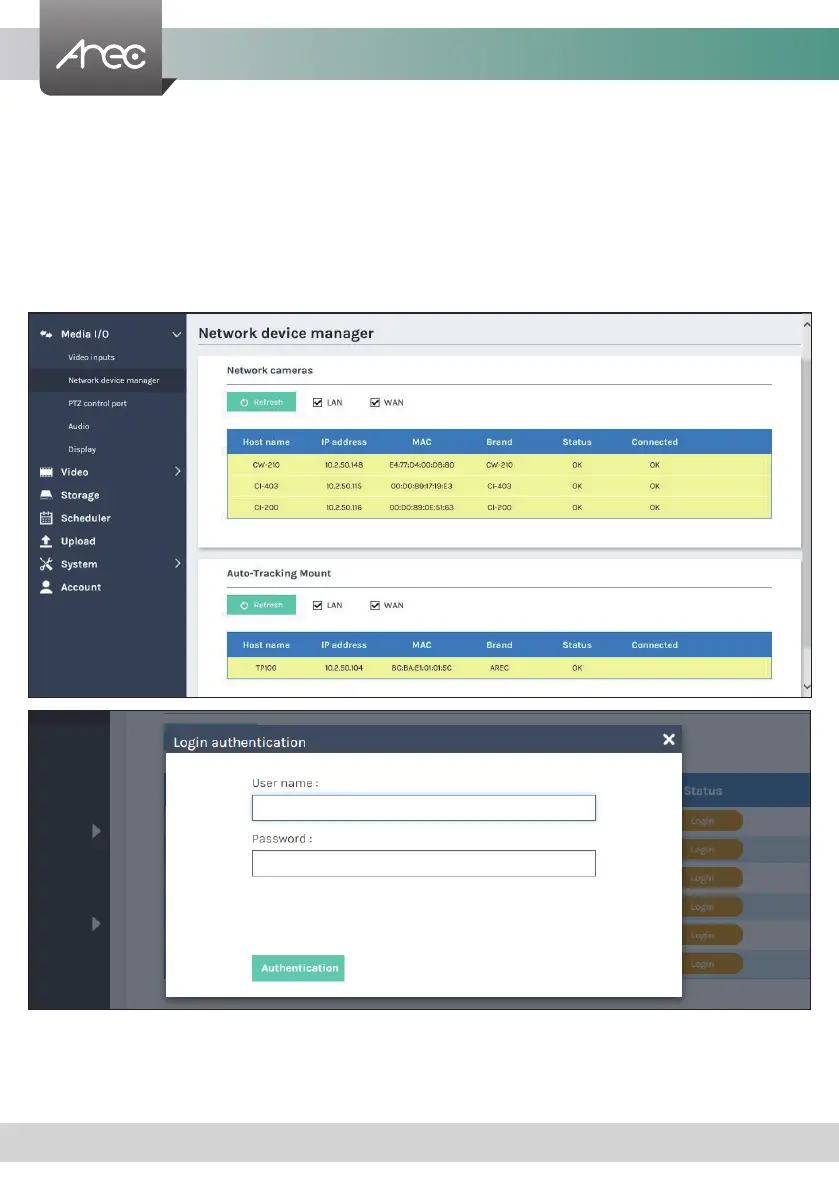
The system automatically scans and lists the network cameras and Auto-Tracking Mount connected to the Media Station
once entering the [ Network device manager ] page. You may click Refresh button to scan again. Click Login button and the
login authentication dialog pop out.
Enter the username and password of the camera or Auto-Tracking Mount to complete the authentication. Take AREC
network camera for example,enter the default username and password admin/ admin. The status then changes to OK, which
indicates it is available for video input selection.
Note
: If you fail to nd your camera by clicking on “Refresh”, please select “Signal type” to “Encoder” in the “Video Inputs” and
ll in your camera
information.



 To Next Page