LS-200 User Manual
33www.arec.com
2.1.2.2 Recording, Streaming control and Snapshot
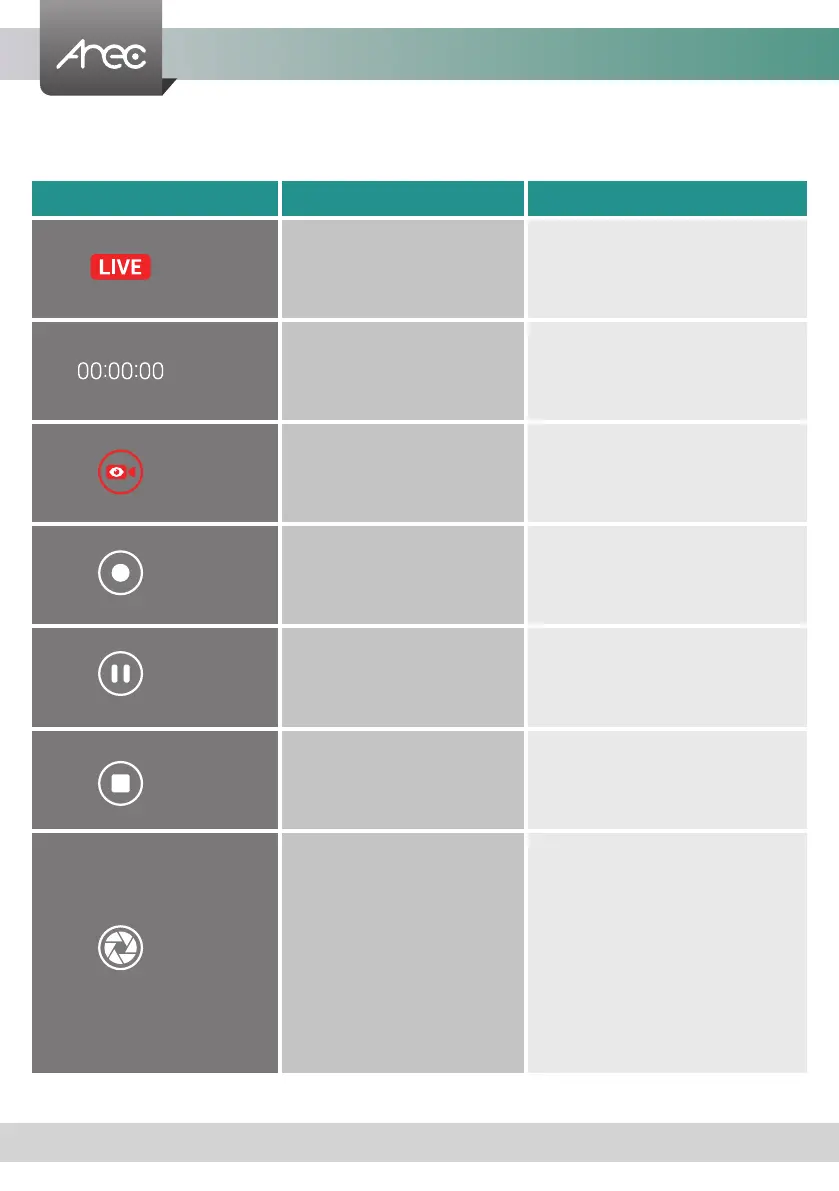
1. There are four buttons for quickly control video recording
Name Function Description
Status Streaming status
Status change to red while LS-200
live broadcast
Timer Record timer Timer change to red while recording
Streaming Streaming On/Off
When administrator streaming
setting : Enable streaming button
Record Video recording
The Record button is red to indicate
active recording
Pause Pause recording
The preview video are suspended.
To resume recording, click Record.
Stop Stop to end a recording -
Snapshot Screen shot of the preview.
When not recording, the picture will
be placed in the snapshot folder
of the internal hard drive or front
USB, and will appear in the Video
Manger. When recording, the picture
will be placed in the data set of the
video(see 3.1.4 NO.6), and when the
snapshot is taken, the bookmark
will be automatically added.



 To Next Page