LS-200 User Manual
7www.arec.com
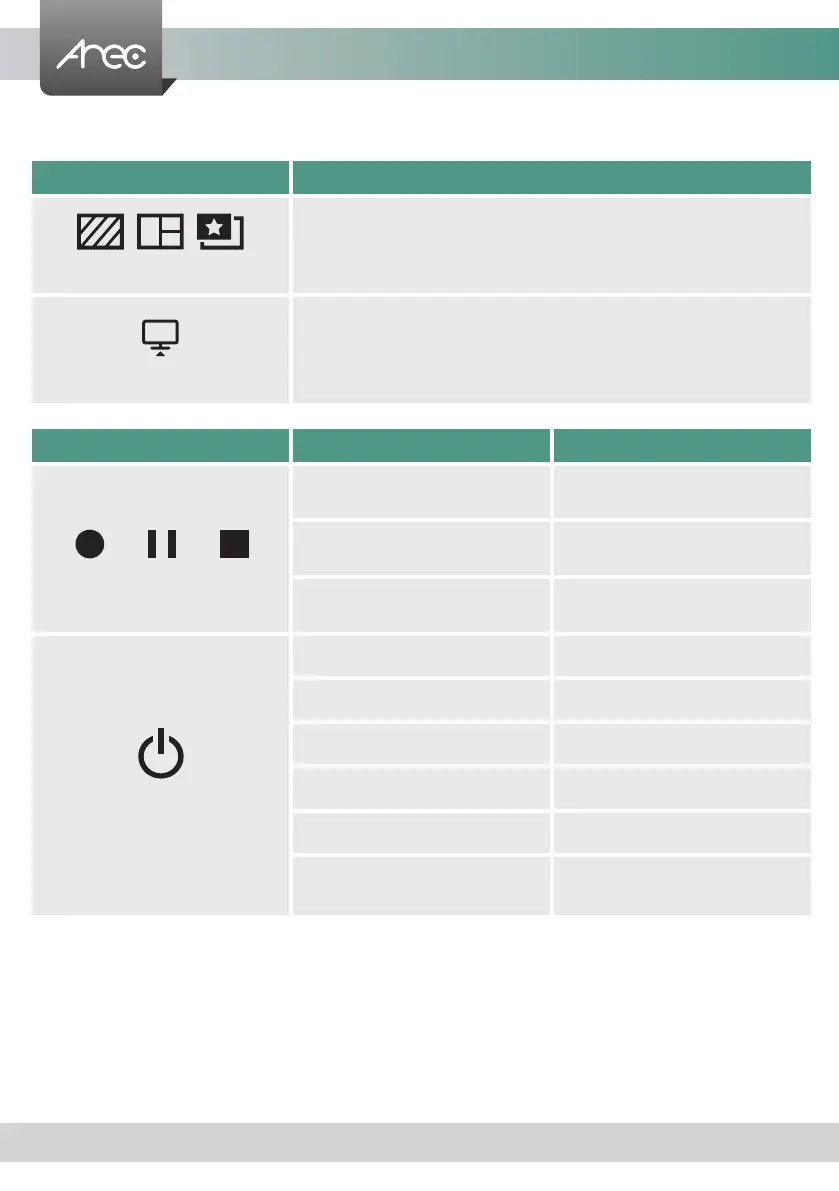
Front Panel Buttons and Indicators
Button Display method of indicator Product status
Record / Pause / Stop
Record button glows red
continuously.
Recording in progress.
Record button flashes red rapidly. Recording is paused.
Record button flashes red slowly. Recording is being nalized.
Power
Solid red. Device is powered, yet not booted up.
Green and red light flash alternately. Device is booting up.
Solid green. Boot up completed.
Fast flashing red. Device is shutting down.
Fast flashing green. Firmware updating.
Slow flashing red.
Fan is abnormal.
Storage is abnormal.
Button Brief introduction
Background / Layout / Overlay
Change Background / Layout / Overlay cycling.
Display
Switch image sources to monitor individual image inputs.



 To Next Page