LS-200 User Manual
39www.arec.com
2.2.1 Recording controls panel
2.2.1.1 Background
2.2.1.2 Layout
2.2.1.3 Overlay
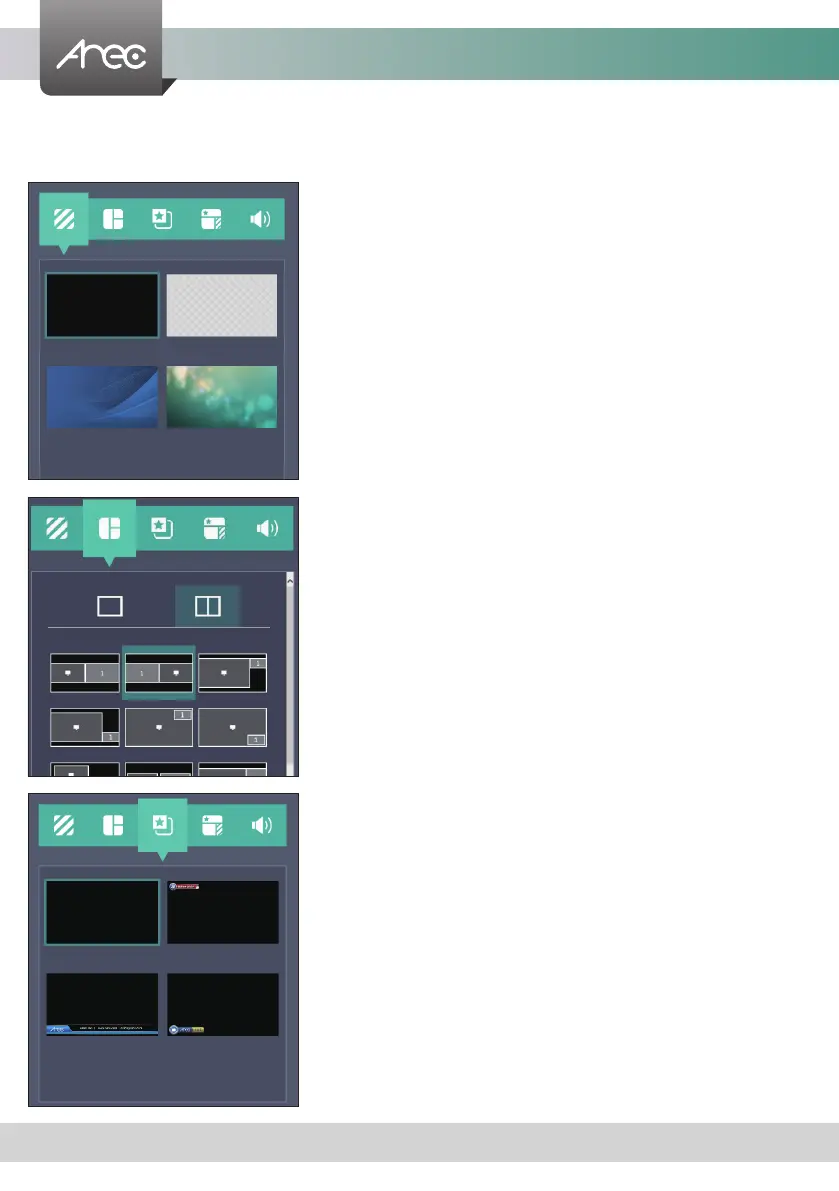
There are ve tab panels for quickly switching recording background,layout,overlay,theme, and adjusting volume.
Display the available background images for Online Director controlling.
Click the background thumbnail to apply it to the video. LS-200 by factory
default provides one plain black background and three user-configurable
backgrounds.See Administrator \ Video \ Theme for more detail.
There are layout templates which are factory default layouts and pre-dened
into four groups. User can apply layout to the live view window, recording
session, and web streaming all at once. Click the layout template to select the
desired layout.
LS-200 by factory default provides one plain black overlay and three user-
congurable overlays. Click the overlay thumbnail to apply it to the video. See
Administrator \ Video \ Theme for more details.



 To Next Page