LS-200 User Manual
31www.arec.com
Chapter 2 Director
2.1 Local Director
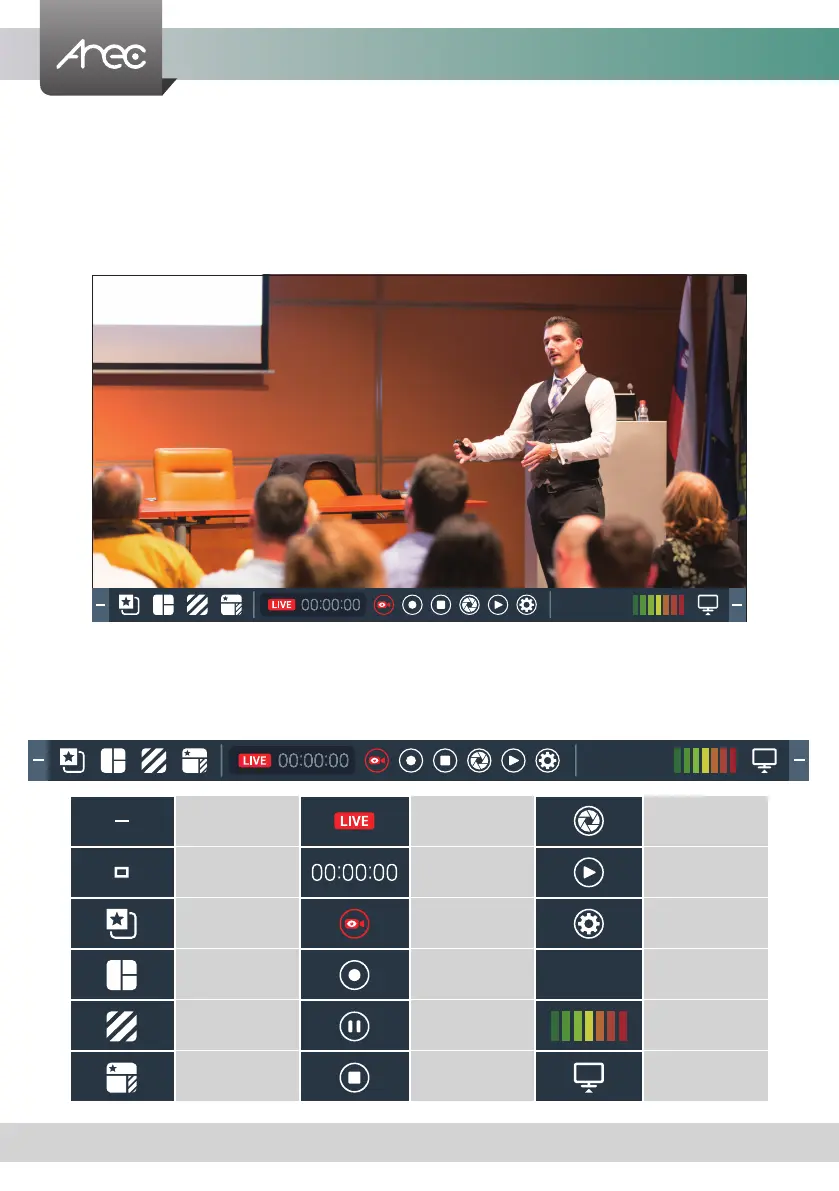
The LS-200 Local Director operates on the screen after the USB port is connected to the mouse or projector. GUI allow user
to control recording and have a live stream view on the display. This director control panel makes it easy to apply layout,
select background, and control the audio recorded during the recording process.
This section briefly introduces the names of the various function buttons, and the functions will be introduced in the next
section.
2.1.1 Preview
10.2.50.152
10.2.50.152
Minimum Stream Status Snaoshot
Maximum Record Timer Playback
Overlay Streaming On/Off Settings
Layout Record IP Address
Background Pause Audio Volume
Theme Stop Display
10.2.50.152



 To Next Page