LS-200 User Manual
16www.arec.com
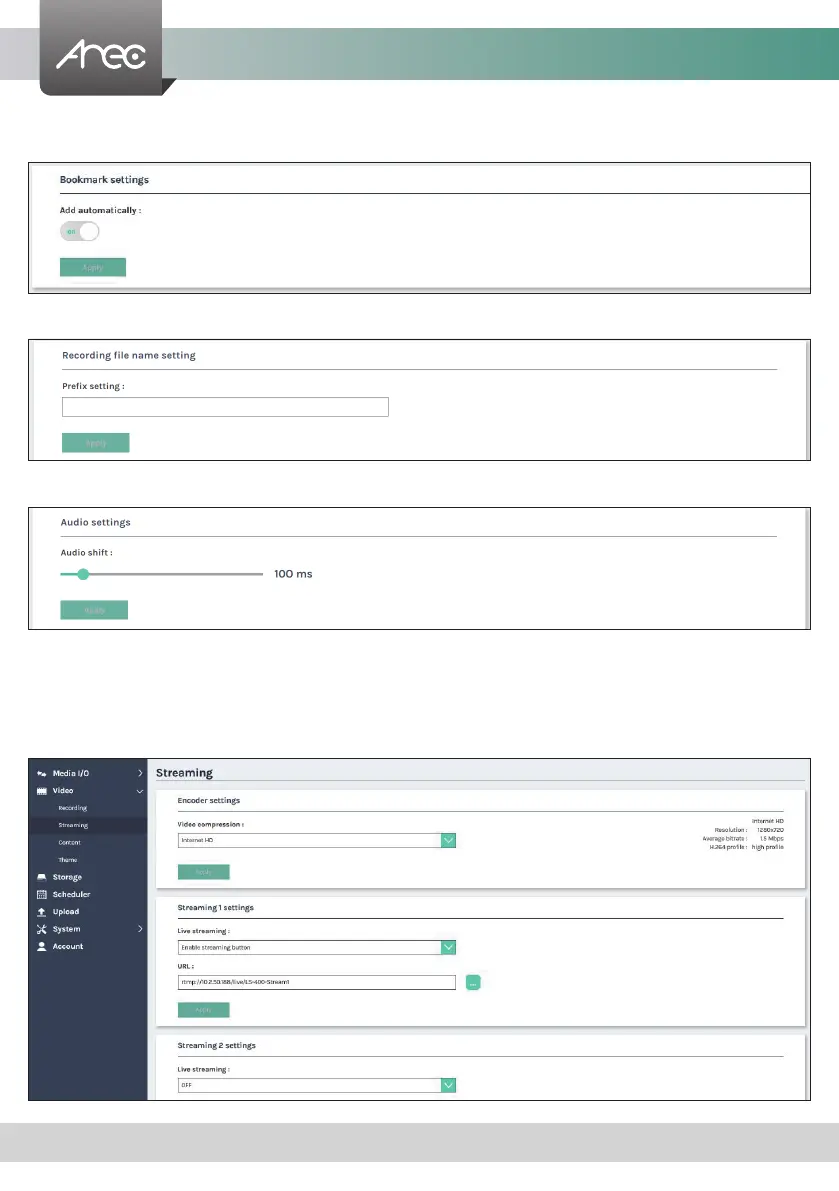
Bookmark settings- Set ON/OFF to enable add bookmark automatically.
Click Apply button at the bottom corner when nished to apply the settings.
Add prex to video lename: Use this description is added to the Video lename as a prex string for Download and Upload.
Audio shift- Adjust the delay of sound after video transmission. Synchronize the video and audio with consistency.
1.2.2 Streaming
AREC Media Station support two streaming address with same video compression. The page provides user to change
streaming settings. It is essential that the congurations follow the streaming protocol and recommended settings your
server system supports.



 To Next Page