LS-200 User Manual
9www.arec.com
Chapter 1 Administrator
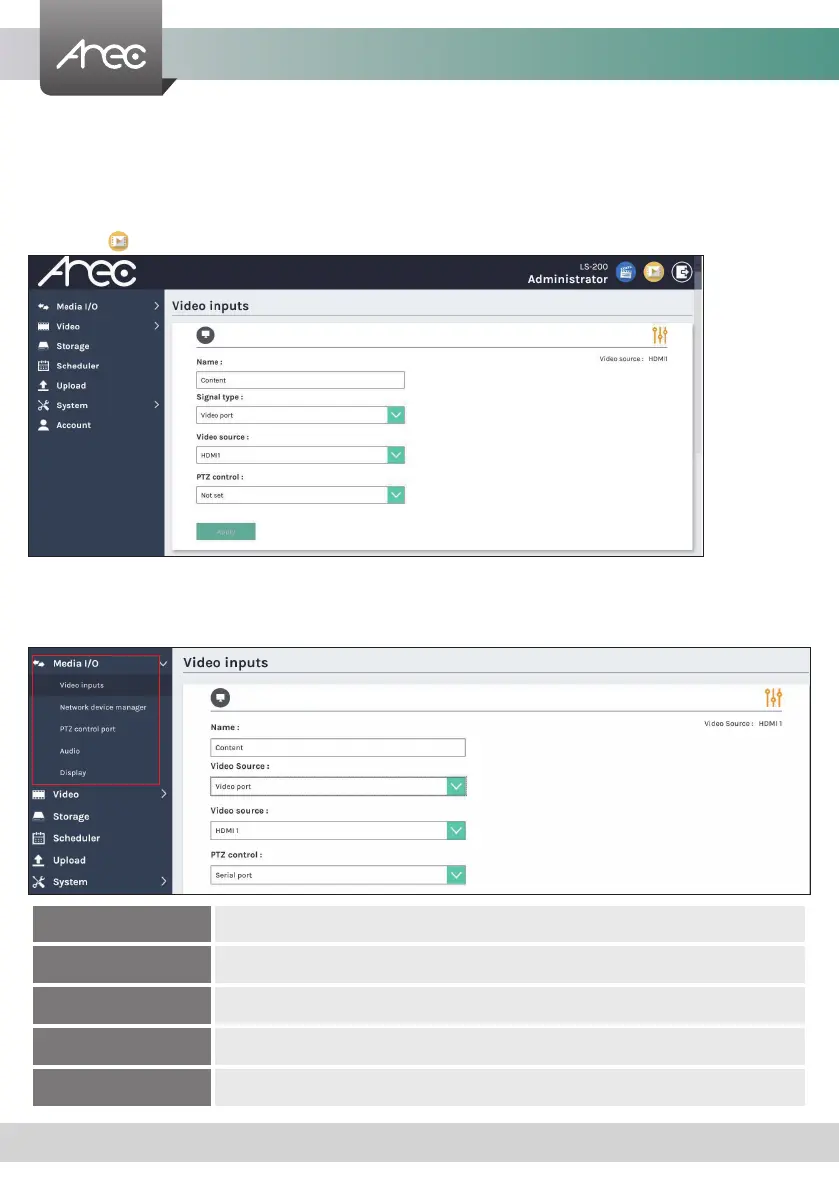
The Administrator web pages provide a system administration interface of the LS-200: it can perform Media I/O, Video,
Storage,Scheduler,Account, Upload, System settings and conrm operations. The Media I/O settings make sure each input
source are properly connected, and adjust the audio volume. The Video setting pages congure the recording, streaming, and
other functions which dene the content being recorded. System are pages contain basic settings and information of this
device.Click icon can switch to Video Manager page.
1.1 Media I/O
The pages within Media I/O include the following :
Video inputs Select the signal type, video source and PTZ control method for each input.
Network device manager List out all the connected network cameras and Auto-Tracking Mount.
PTZ control port Set LS-200 back USB-to-RS-232 serial port to drive PTZ cameras.
Audio Adjust the volume and select the audio input source.
Display Set the LS-200 on screen display language, video output settings and color adjustment.



 To Next Page