LS-200 User Manual
40www.arec.com
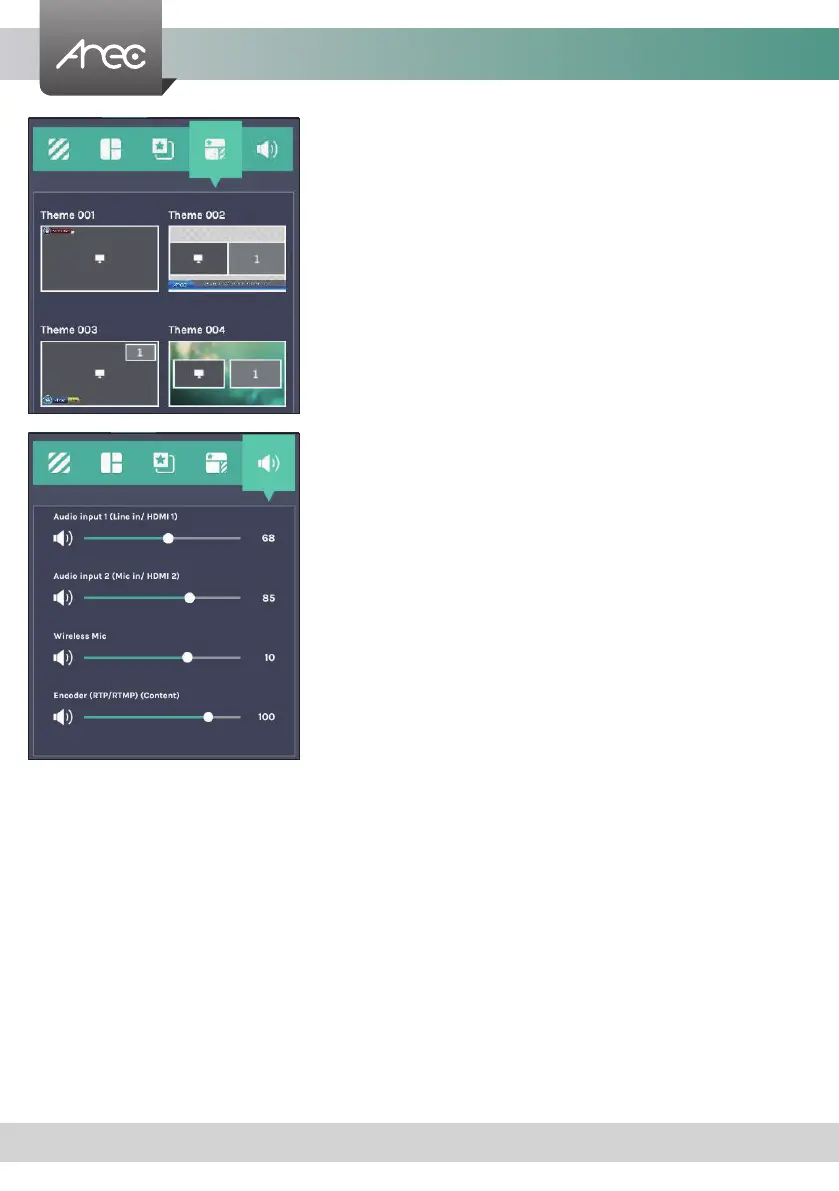
2.2.1.4 Theme
2.2.1.5 Volume control
Theme is integrated with "Overlay”, “Background” and “Layout”. LS-200 by
factory default provides themes by different overlays, backgrounds and
layouts. See Administrator \ Video \ Theme for more details.
The audio control bar is to adjust the recorded volume from each audio input
and adjust the output volume. Adjustable range of sound input is 0-125, AREC
wireless microphone 0~15.



 To Next Page