LS-200 User Manual
28www.arec.com
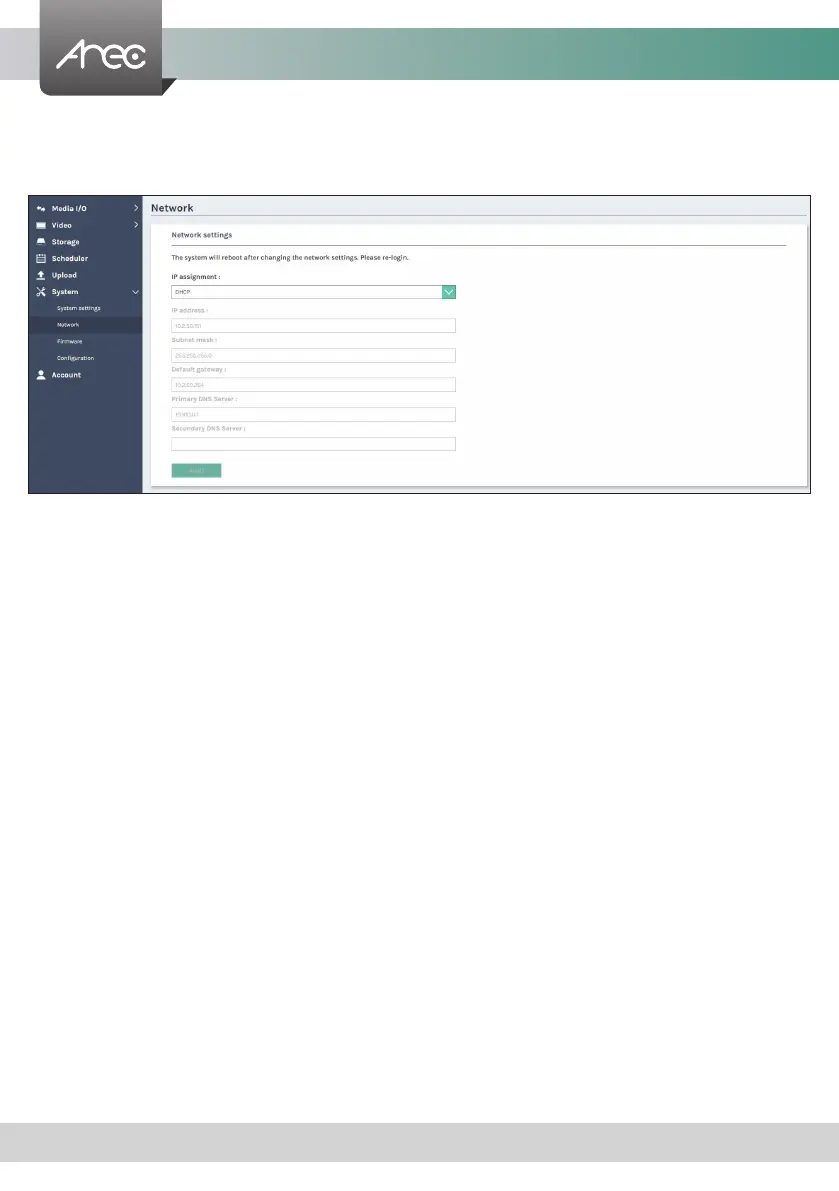
IP assignment – Select DHCP to have IP address be allocated by a router or any DHCP server being connected; or Select
Static IP and enter the required network settings including IP address / subnet mask / default gateway/ DNS
server.
Click Apply at lower right corner, click Conrm in popup dialog box.
Note: The system will automatically reboot to complete the network settings. Login the updated IP address after the system
restarts.
1.6.2 Network
By default LS-200 uses DHCP to obtain an IP Address via a router or any DHCP server. To use a static IP address for your
device, congure the network settings in this webpage.



 To Next Page