LS-200 User Manual
32www.arec.com
2.1.2 Toolbar
2.1.2.1 Theme and Display
Here will introduce the function of all buttons. We divide the function into many small parts to introduce it for easy reading.
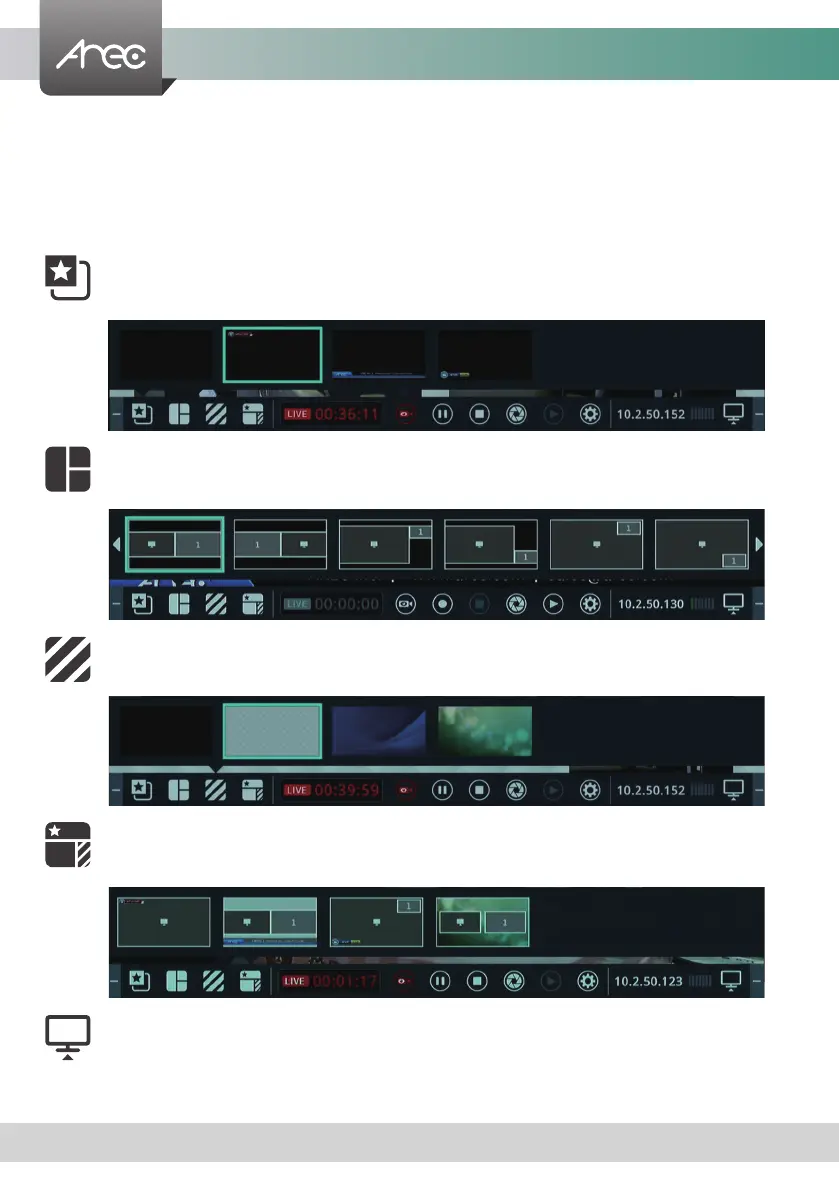
There are ve buttons for quickly switching recording overlay, layout, background, theme and display.
Name : Overlay
Name : Layout
Name : Background
Name : Theme
Name : Display
Function : Change Overlay
Function : Change Layout
Function : Change Background
Function : Change Theme
Function : Change Content / Cam 1 / Mixed video cycling
Brief introduction : Switch image sources to monitor individual image inputs.
The video output settings display Monitor input sources or Preview mixed recording, please
refer to 1.1.5 Display
Brief introduction :
Brief introduction :
Brief introduction :
Brief introduction :



 To Next Page