LS-200 User Manual
42www.arec.com
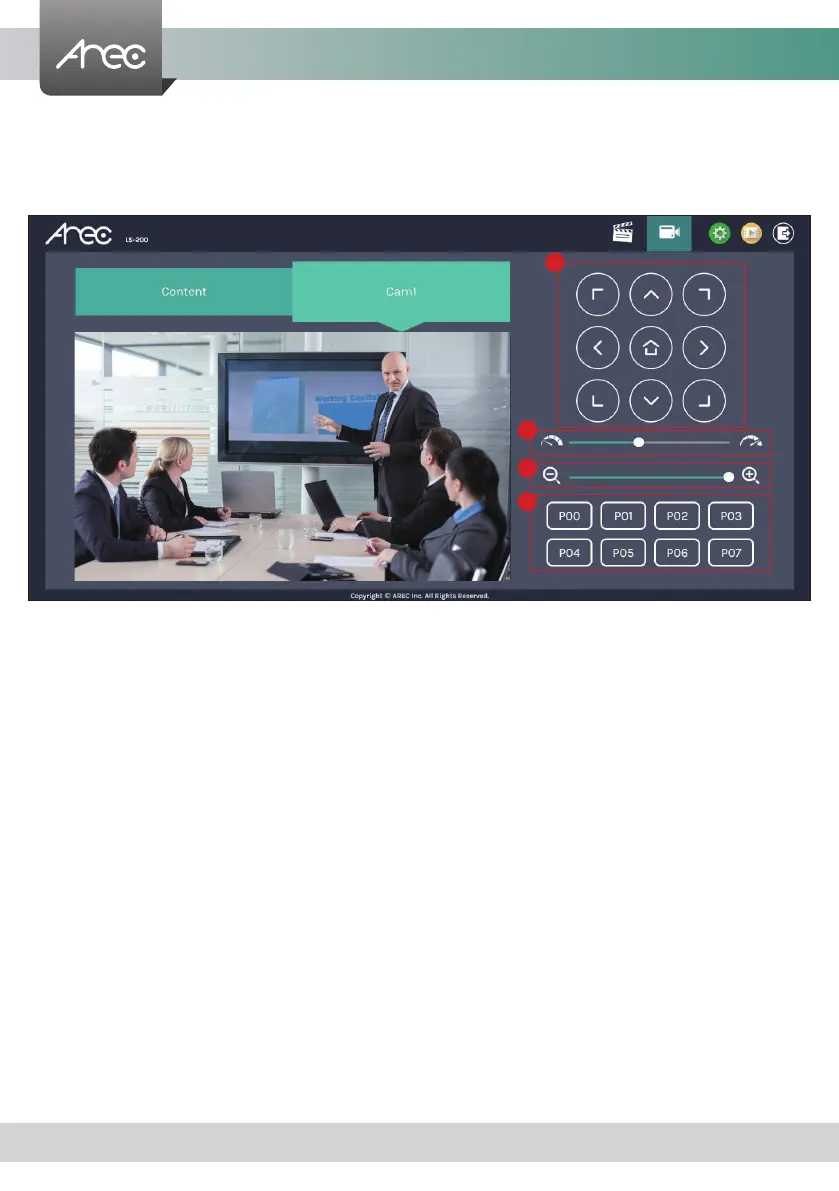
2.2.2 Visual Sources Monitoring
It makes easy for user to control and monitor each video input. Click the tab with the video input name on it to switch the
monitoring window. In the case of a PTZ camera, the direction control panel, zoom in/out control bar, and up to 8 preset
positions are enabled.
1. Direction control panel: Click the arrow buttons to move the camera.
2. Movement speed: Move leftward or rightward to set slower or faster the camera is moving.
3. Zoom in/out: Click the buttons or drag on the control bar.
4. Preset positions: Click the buttons to command that the camera go to the preset position.
1
2
3
4



 To Next Page