LS-200 User Manual
14www.arec.com
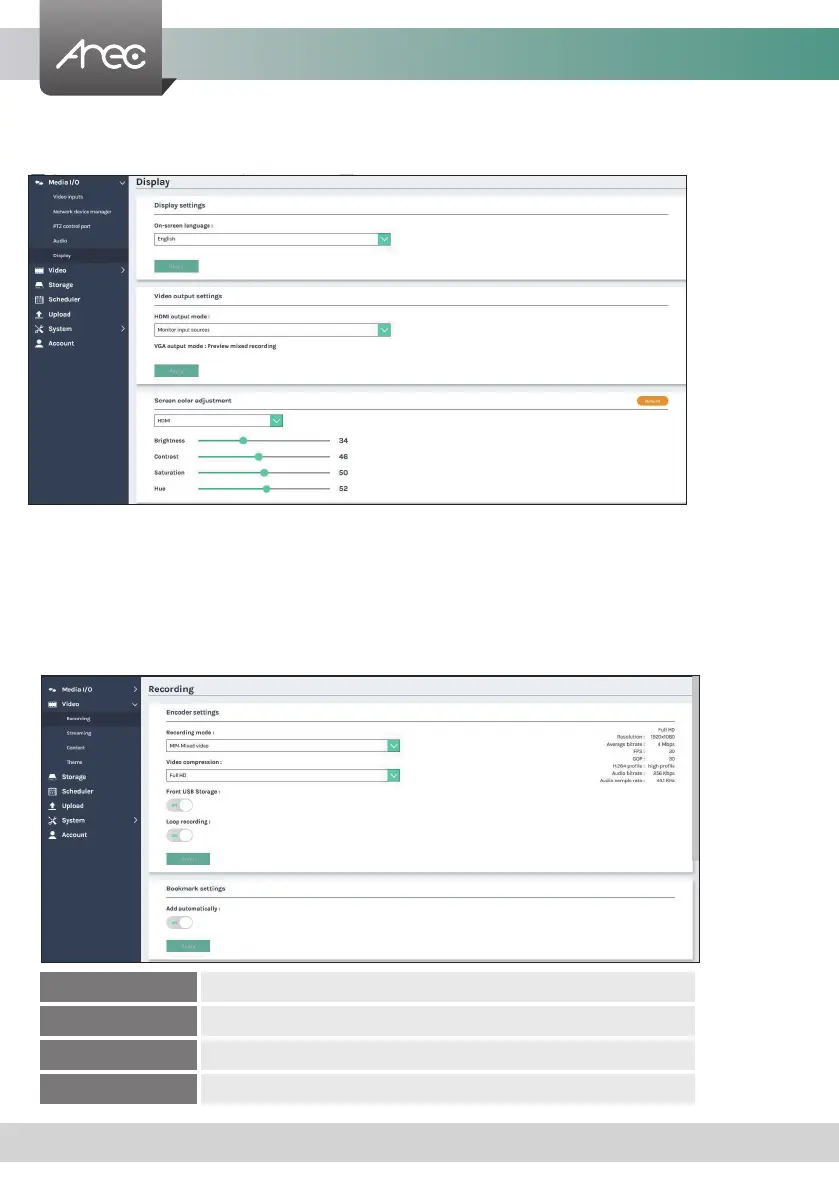
1.1.5 Display
1.2 Video
Set the LS-200 on screen display language, video output settings and color adjustment.
The pages within Video construct a collection of settings that denes the operating characteristics for a streaming/recording,
include:
Recording Congure Encoder settings and Bookmark settings for recording.
Streaming Congure Encoder settings for streaming.
Content Edit the information of the content that will be recorded.
Theme Set the overlay les, background images and theme types.
On-screen language: Change the GUI language.
Video output settings: Setting the HDMI display Monitor input sources or Preview mixed recording
Screen color adjustment(HDMI and VGA): Change the Brightness, Contrast, Saturation and Hue



 To Next Page