LS-200 User Manual
20www.arec.com
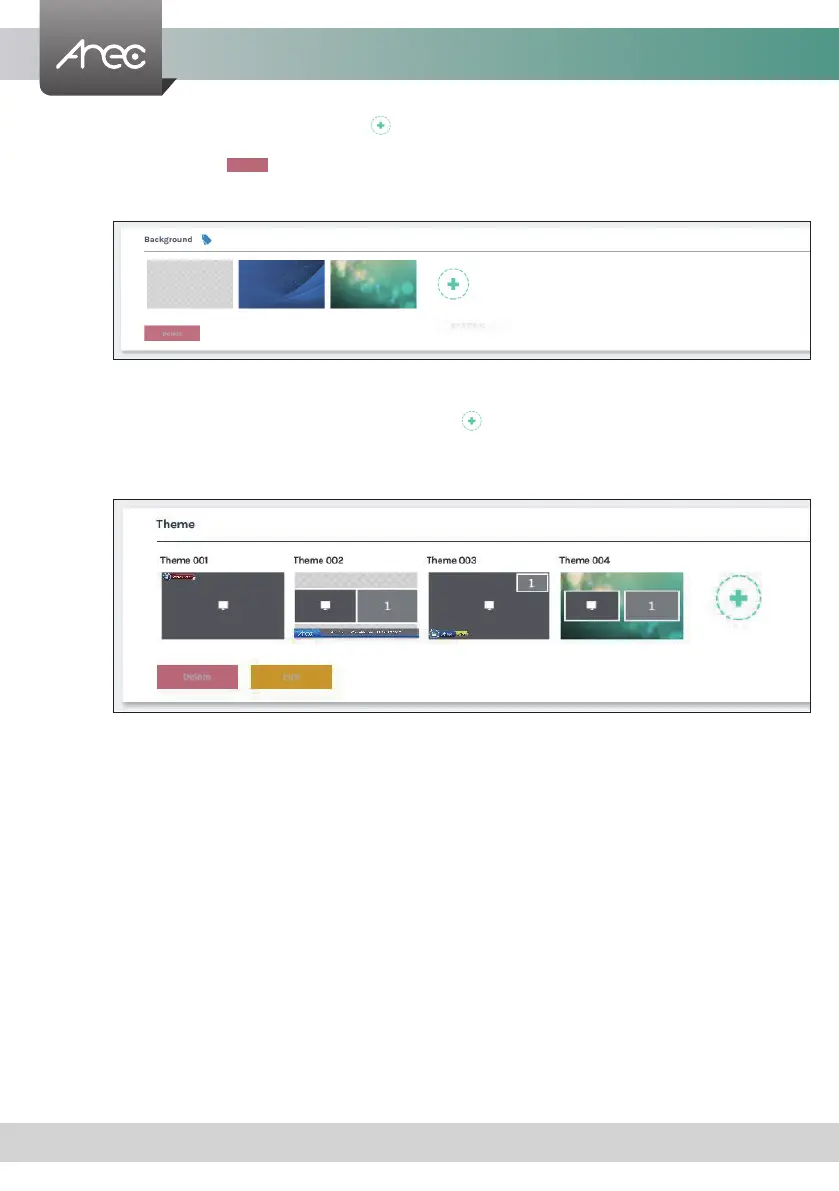
Background : Select and delete the background. Click [ ] button and select the desired le in the Open dialog box. The le
name would appears with the newly uploaded image. Click Apply button at the bottom corner to apply the
settings, or click [ ] Cancel to give it up.
Note: The background le must be in PNG format, maximum size
1920px*1080px.
Note: The user can use the mouse to drag the order of the display.
Theme : Theme is integrated with "Overlay”, “Background” and “Layout”. LS-200 by factory default provides four themes by
different types of overlays, backgrounds and layouts. Click [ ] to set the theme type. Input the theme name, and
select the desired type of overlay, layout and background. Click Apply button at the bottom corner to apply the
settings.
Note: The user can use the mouse to drag the order of the display.
Delete



 To Next Page