LS-200 User Manual
35www.arec.com
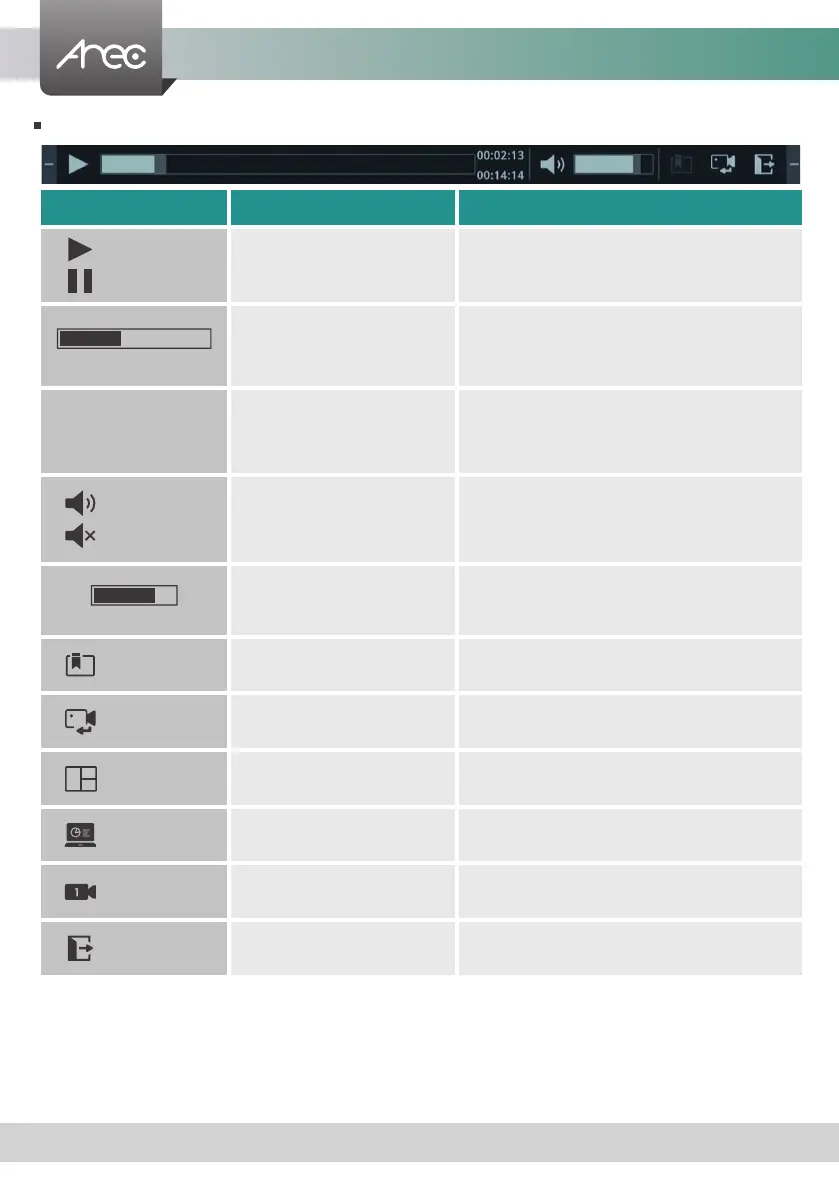
Playback mode functions
Name Function Description
Play/ Pause Play/Pause video
While the video is playing, click to pause and click
again to resume
Time bar
Show playback progress in bar
Click any point on the bar will jump to
correspondent time
Time
Information
Total recording time & current
playback time
-
Audio On/Off Mute or resume playback audio -
Volume bar
Show playback volume level
Click any point on the bar will adjust to
correspondent volume level
Bookmark Bookmark of video (The dialog will be introduced below.)
Switch sources Change playback source -
Mixed video Playback Mixed video -
Content Playback Content video -
Cam 1 Playback Cam 1 video -
Exit Exit the playback mode -
00:00:00
00:00:02



 To Next Page